Wedding seating plan, from the venue to place cards
Draw the venue as it really is and seat your guests by dragging them or in one click. Print the seating chart and place cards from the same plan.
- Automatic seatingin one click
- Works on your phonein the browser and the app
- Seating chart and place cardsprintable, in your wedding theme
From the plan to the seating chart
Your venue plan in the panel is already your printables. Move someone to another chair and the seating chart and place cards change with the plan.
- 01 / 04
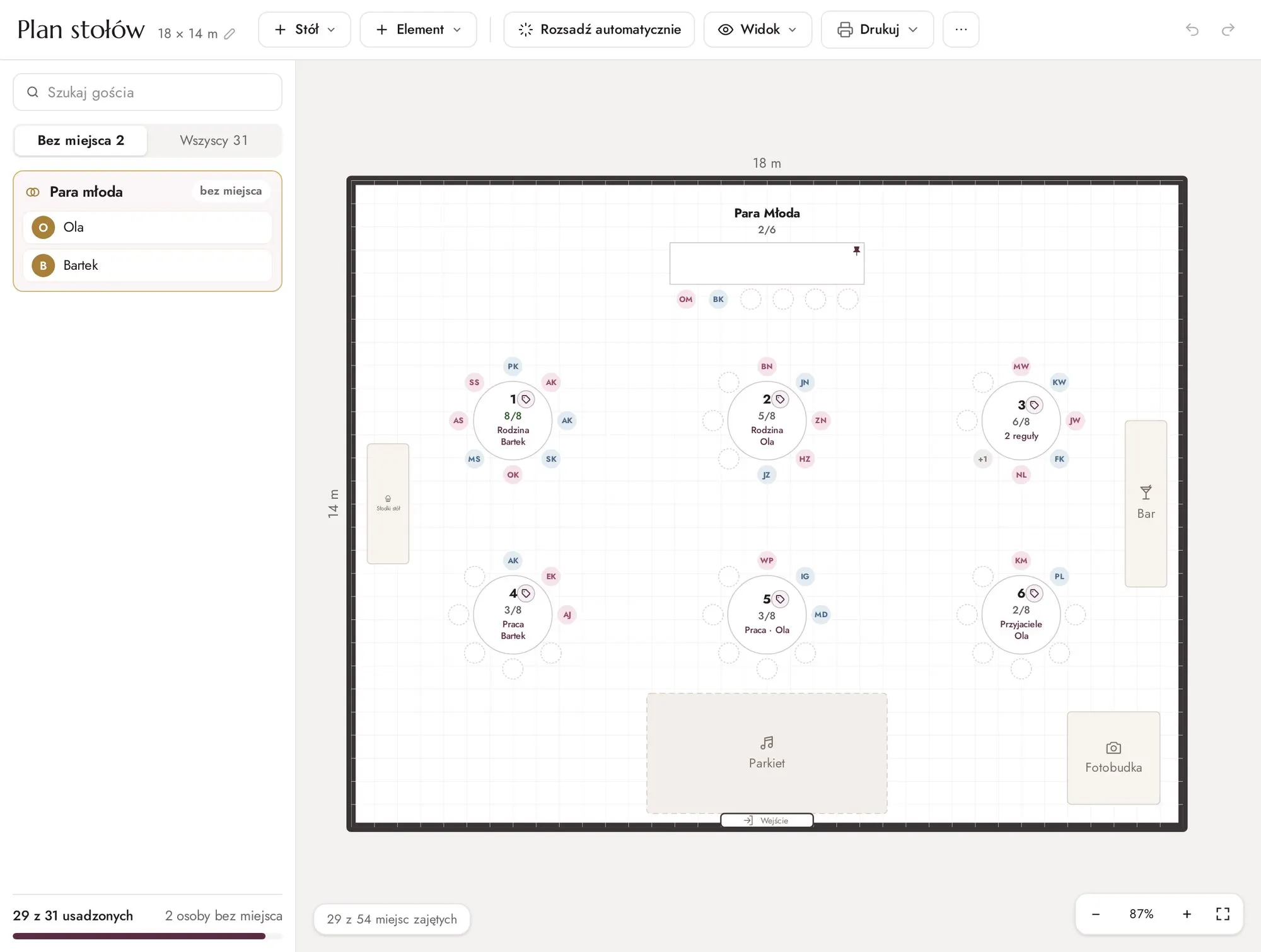
Venue plan in the panel
Tables, chairs and guests on the floor plan. Every change goes straight to the printables.
- Drag and drop guests
- Seat everyone in one click
- 02 / 04
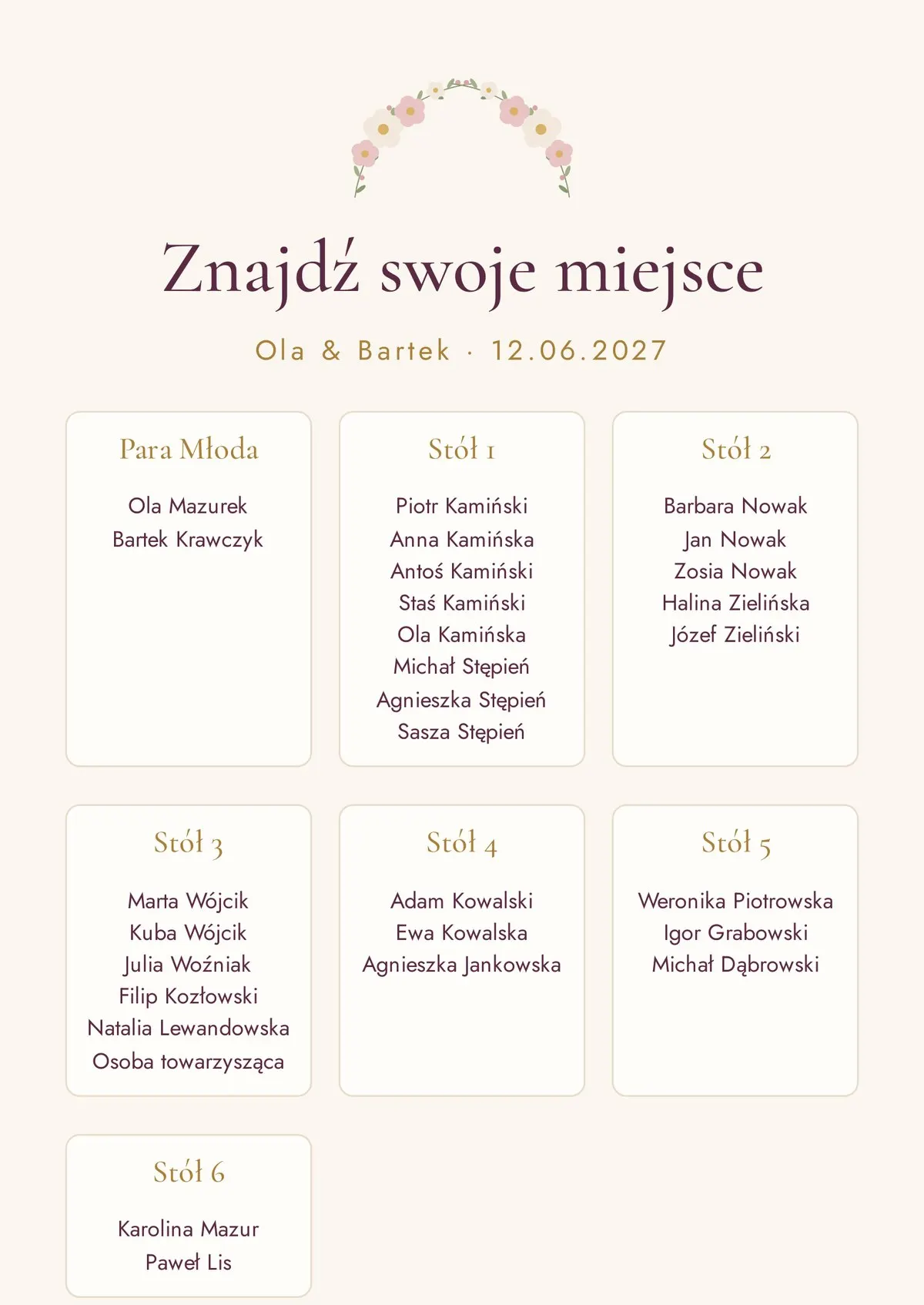
Seating chart
It stands at the entrance: who sits at which table, in your wedding theme.
- Guests grouped by table
- Print at home or at a print shop
- 03 / 04
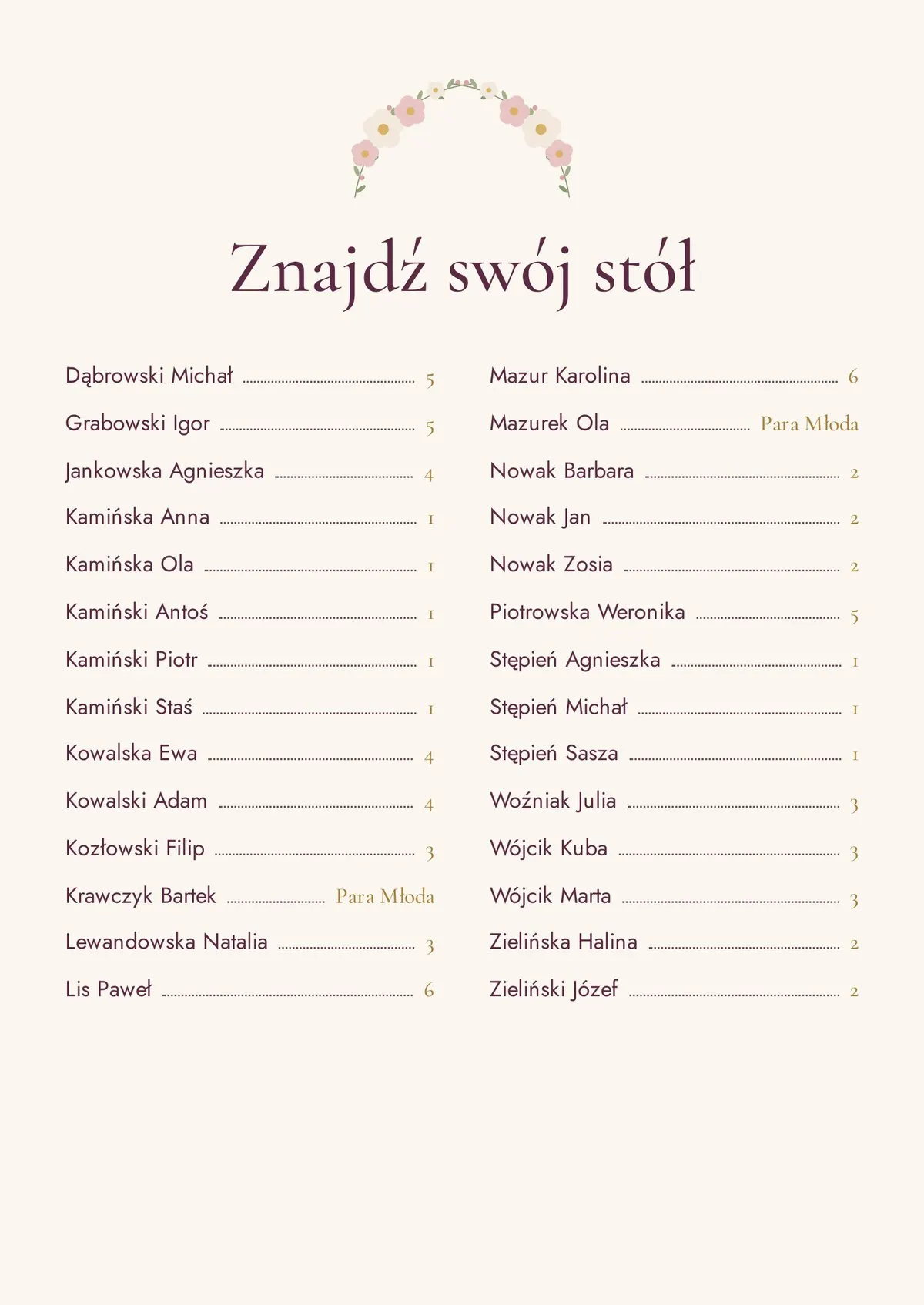
Find your table
All guests in alphabetical order with their table number. Your aunt finds herself in seconds.
- Surnames from A to Z
- A table number next to each
- 04 / 04
Place cards and table numbers
A name for every place setting and a number for every table, straight from the plan.
- In your wedding theme
- No retyping of names

Your venue as it really is
Set the size of the room, then add tables and everything else that stands in it. The seating plan looks the way guests will see the room when they walk in.
- Room size in metres and walls
- Dance floor, bar, DJ, cake, photo booth and entrance
- Chairs only on the sides of a table you choose
- Ready-made room templates to get you started
Table shapes
- Round
- Rectangular
- Square
- Couple’s table
- Oval
- L-shaped
- U-shaped
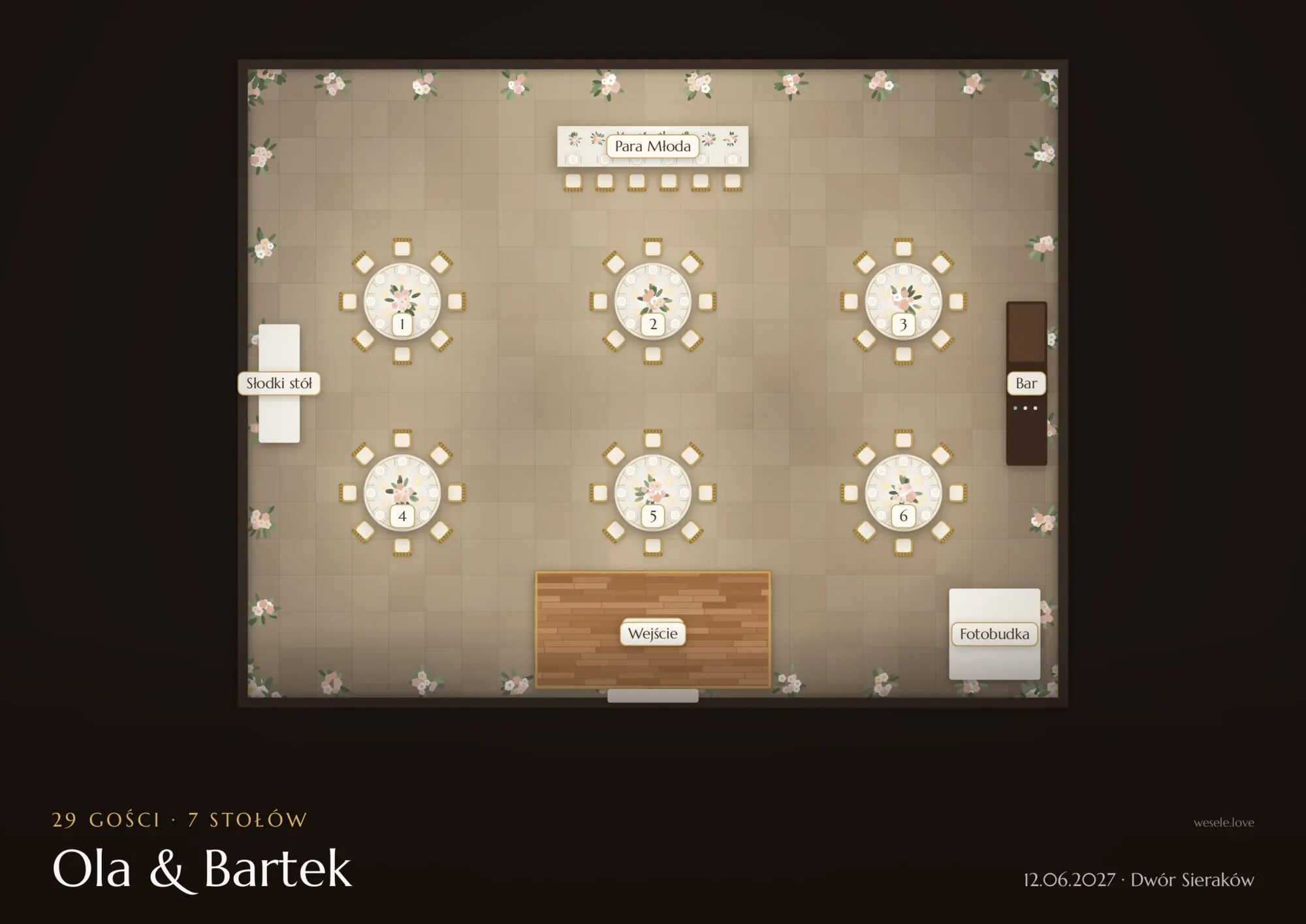
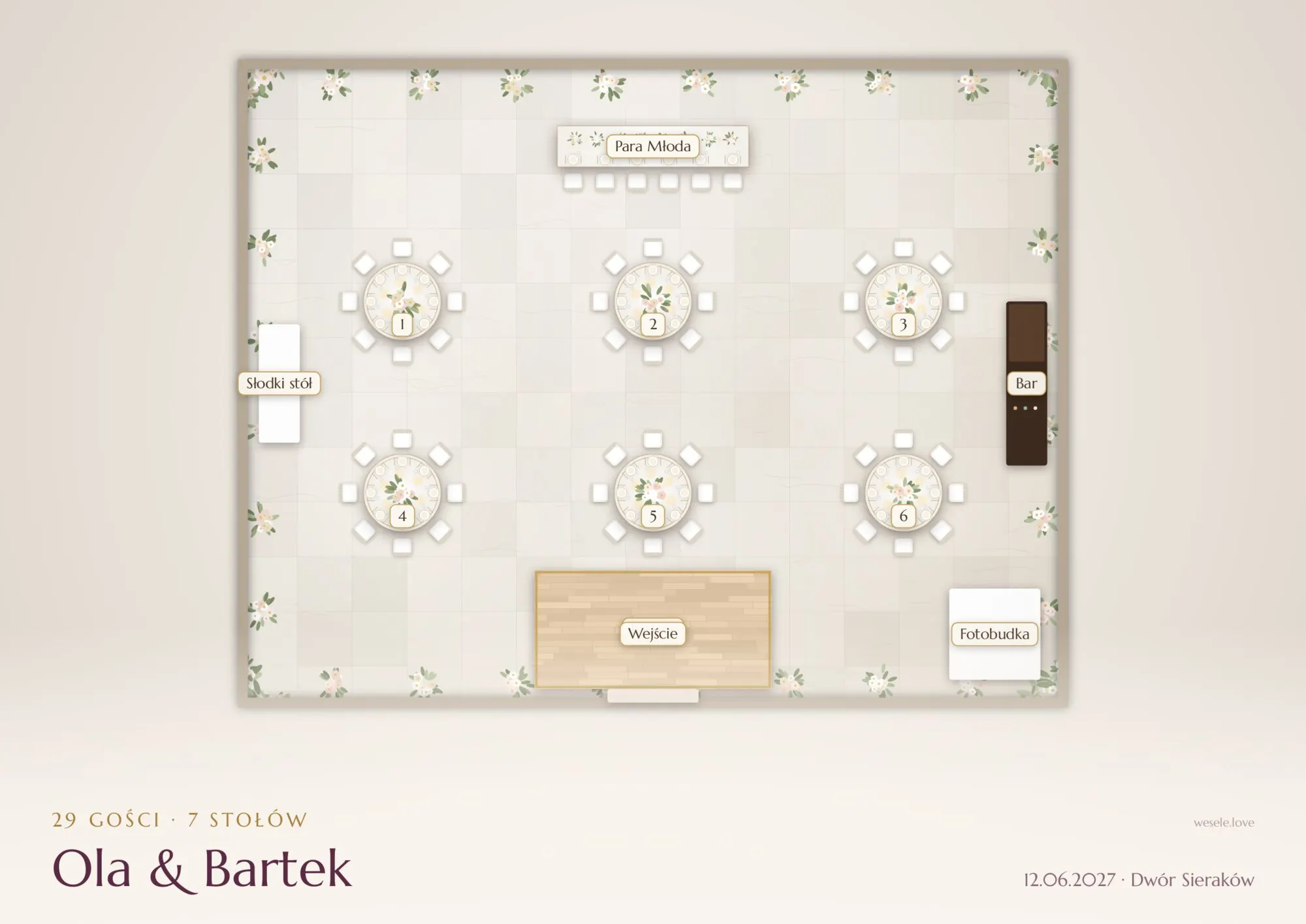
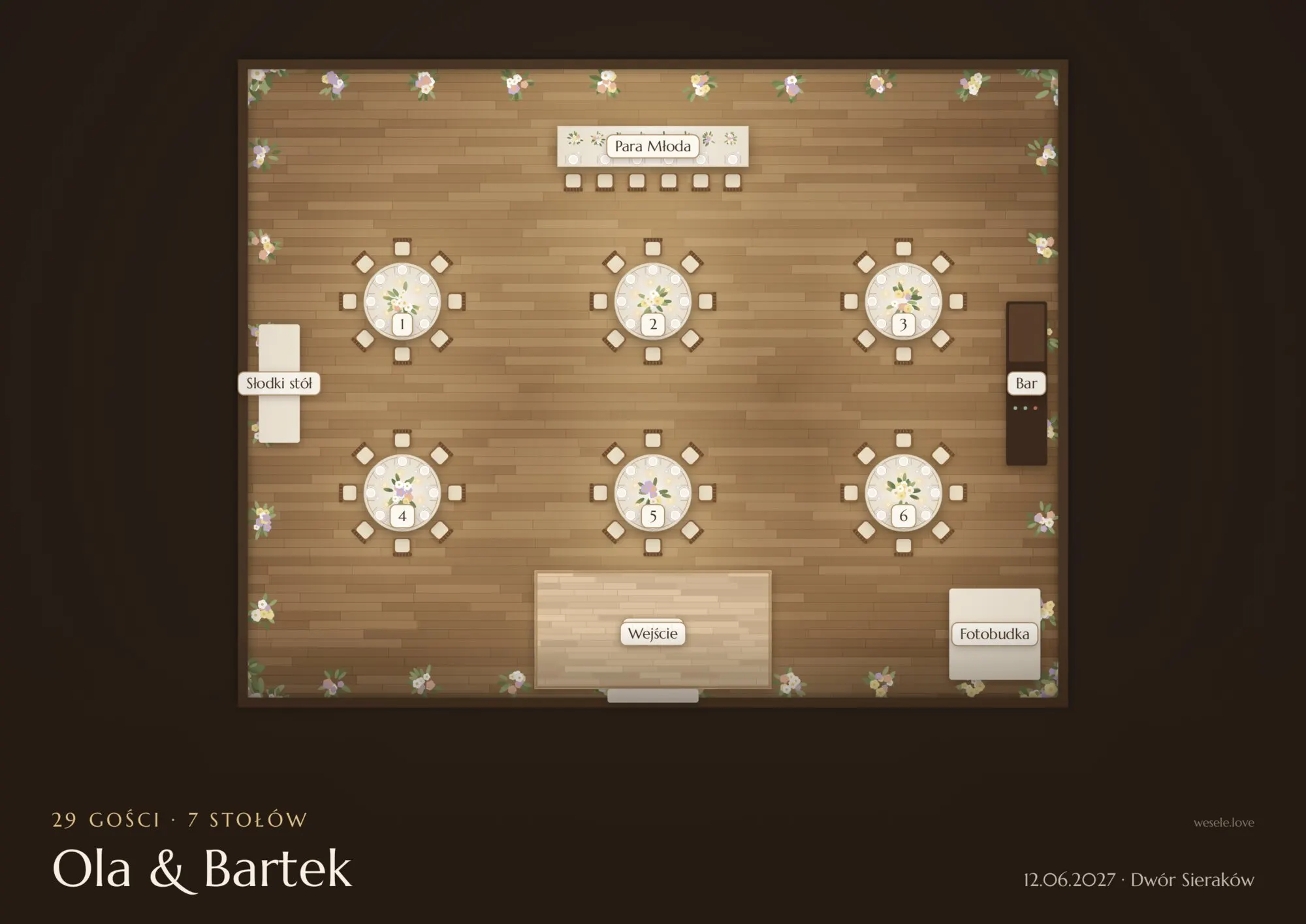
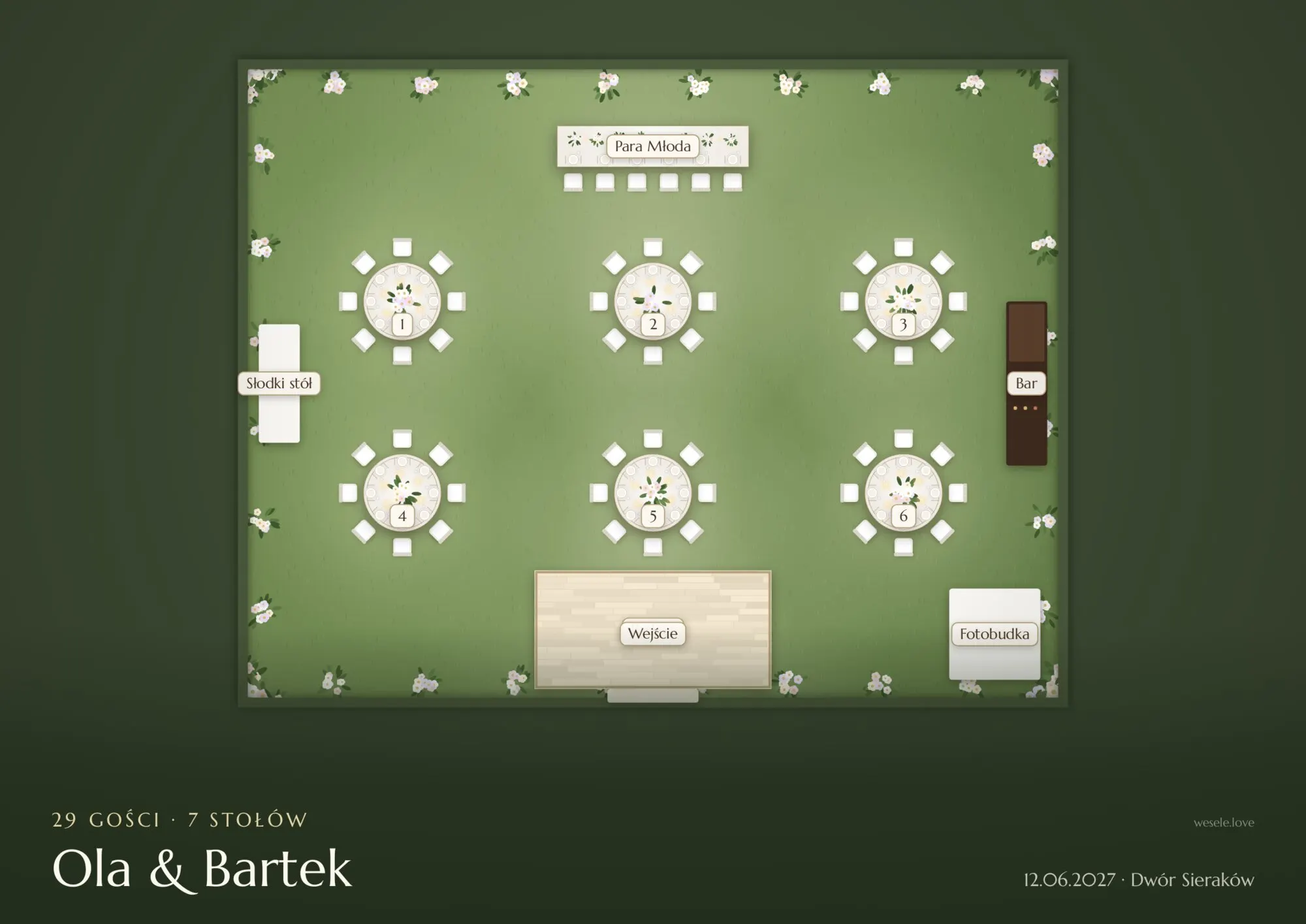
Venue visualisation ready to print
Your seating plan becomes a beautiful top-down view of the venue: flowers on the tables, chairs, the dance floor and your names. Pick a look and print it in A4, A3 or as a 50×70 poster, as a PDF or PNG.
Seating guests without sticky notes
Automatic seating
One click seats guests according to your table rules. Couples and whole invitations sit together, babies with their parents.
Drag and drop
Grab a guest from the list and drop them on a chair. You can move a whole table to another spot in the room too.
Table rules
The “Ola’s family” table only takes its own. Set rules by side, relationship and age.
The couple at their table
The bride and groom are at the top of the list, sit at the couple’s table automatically and get place cards like every guest.
Undo and autosave
The plan saves itself, and you can undo or redo any change.
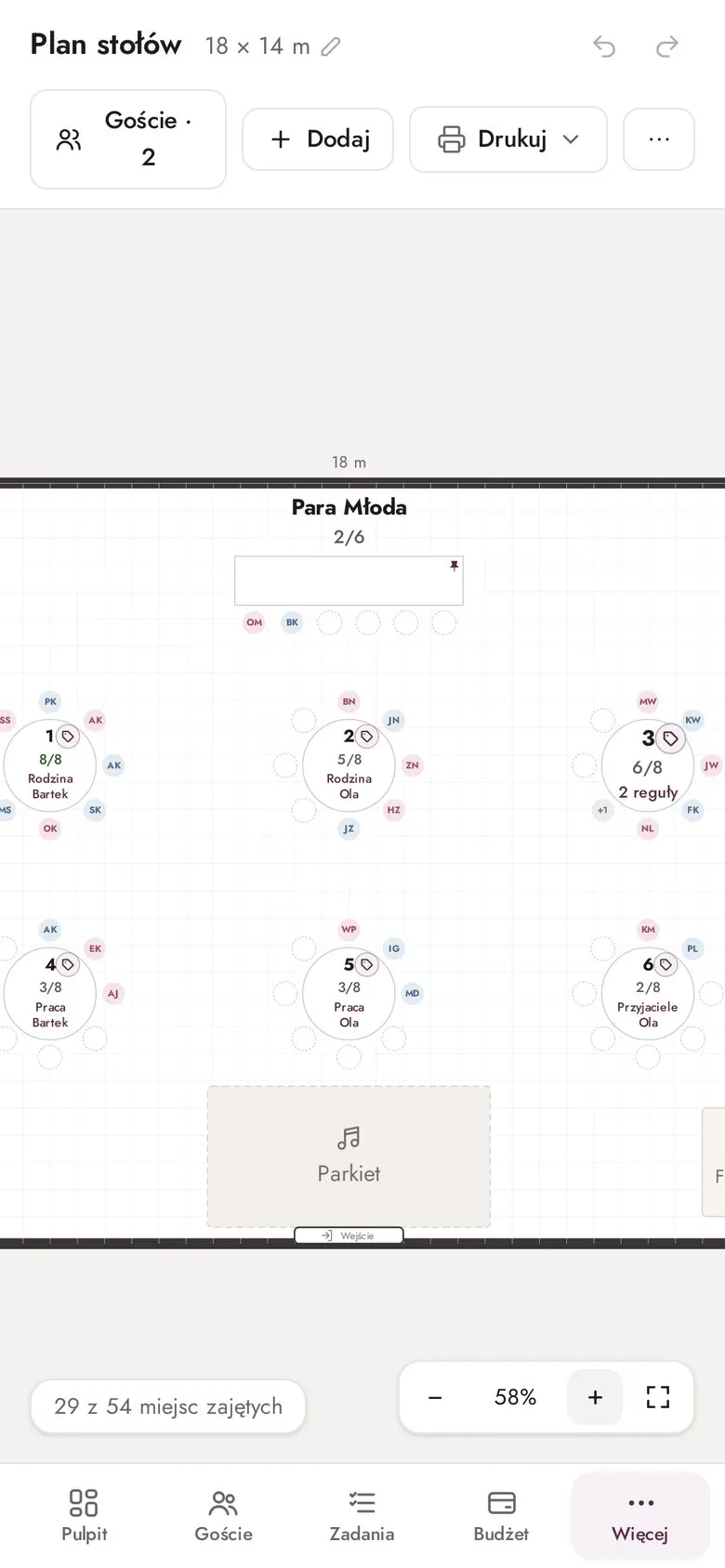
Seating plan on your phone
You can work on the plan on your phone too, for example on your way back from the venue while everything is fresh in your mind.
- Pan with one finger, zoom with two
- Tapping an empty chair opens the guest picker
- In the browser or in the Android and iPhone app
Connected to the rest of the planner
The seating plan uses what you already have in the panel, so you never type anything twice.
Guest list
Only guests who have not declined wait for a seat. Couples and whole invitations stay together.
See moreWedding website
Guests RSVP on your website and the list of people to seat updates by itself.
See morePrintables
The seating chart, place cards, table numbers and table cards take names and tables straight from the plan.
See more
How to get started
- 1Add your guests
Type them in or import a list from Excel.
- 2Draw the venue
Size, tables and dance floor, or a ready template.
- 3Seat and print
The seating chart and place cards are made from the plan.
Frequently asked questions
Questions? Write to [email protected].
The same theme as your website and invitations. Change it in one click.
Create your weddingIs the seating plan free?
Yes. With the Start package you can draw the venue, set up tables in 4 shapes, seat all your guests and print the seating chart and place cards at home. Oval, L and U tables, a nice printout of the floor plan and print-shop files come with Premium.
How does automatic seating work?
Click “Seat automatically” and guests go to free seats according to your table rules, for example Ola’s family, Bartek’s work, kids. Couples and people on one invitation sit next to each other, babies always with their parents. Then you can move anyone by hand.
Can I make a printable seating chart?
Yes. In the Print studio you can make a seating chart, a “Find your table” list in alphabetical order, place cards and table numbers in your wedding theme.
What if someone cancels at the last minute?
Take them off their chair or change their reply on the guest list. The printables always use the current plan, so just download them again.
Does the seating plan work on a phone?
Yes. Pan the room with one finger, zoom with two, and seat a guest by tapping an empty chair.
Can I draw the venue with real dimensions?
Yes. Set the room size in metres and add the dance floor, bar, DJ spot or photo booth, then put the tables where they will really stand.
Can we plan the seating together?
Yes. Each of you has your own account, and your wedding planner can edit the plan with you. Witnesses and family can get view-only access.
Start planning
today