A wedding website for your guests
Create one place where guests find everything about your day: the schedule, directions with a map, accommodation, the menu, RSVP and much more.
- Online RSVP
- Directions with a map
- Day schedule
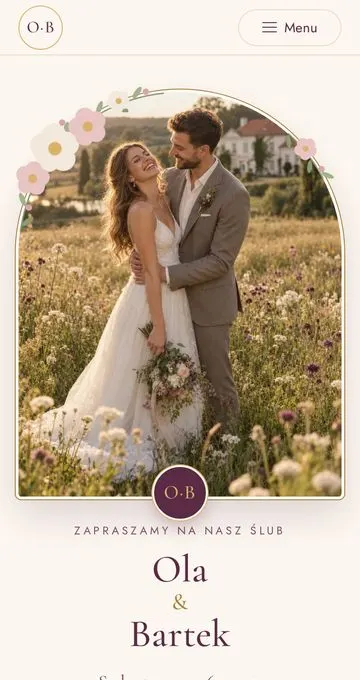
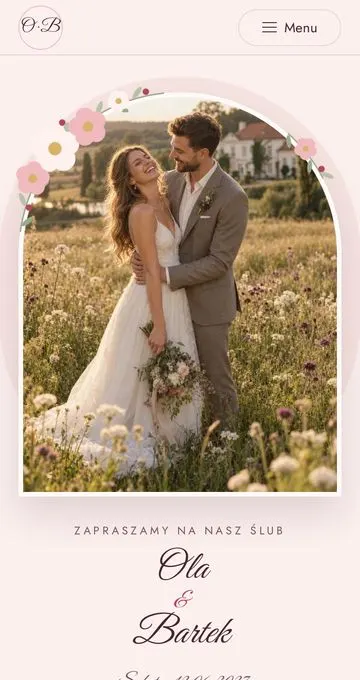
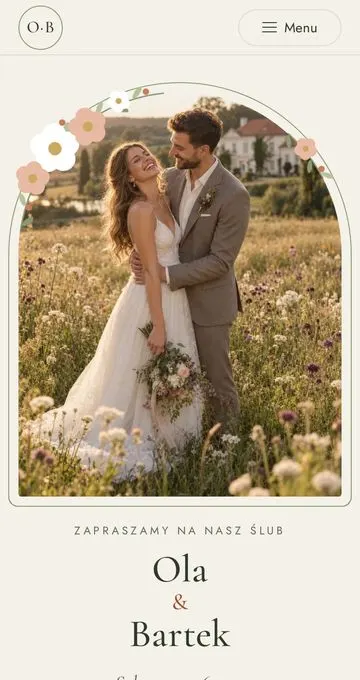
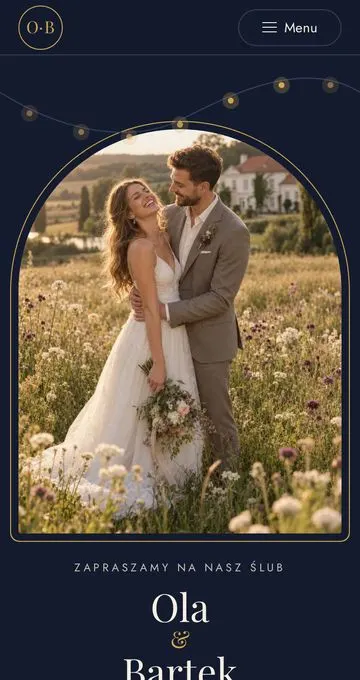
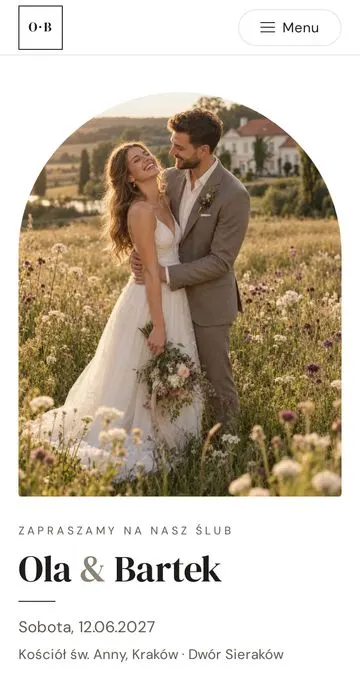
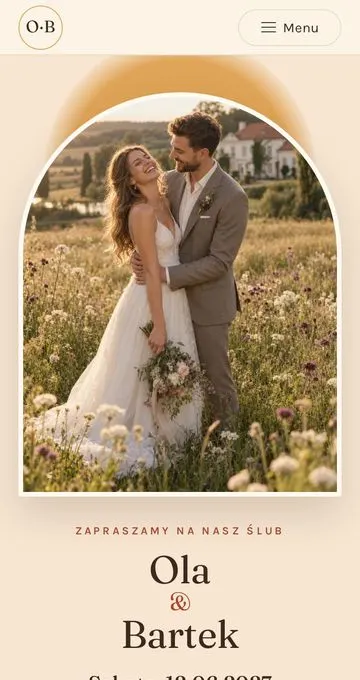
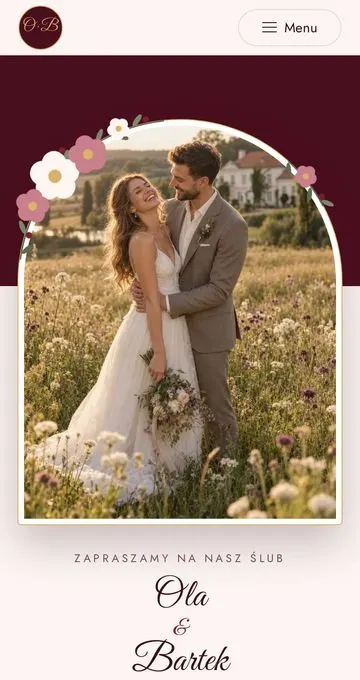
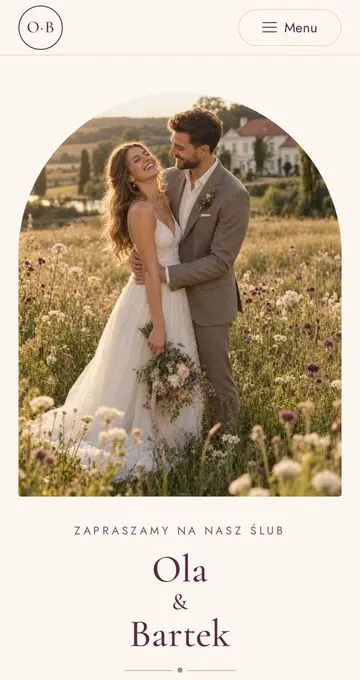
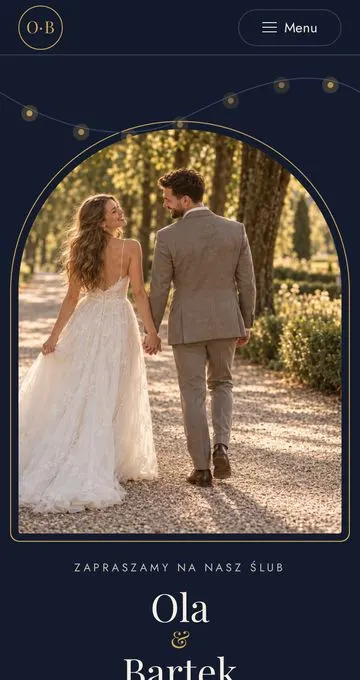
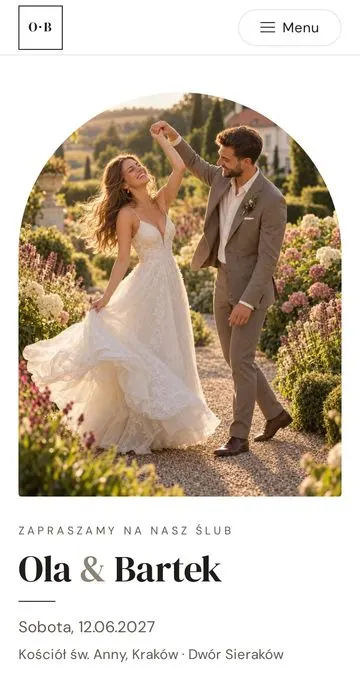
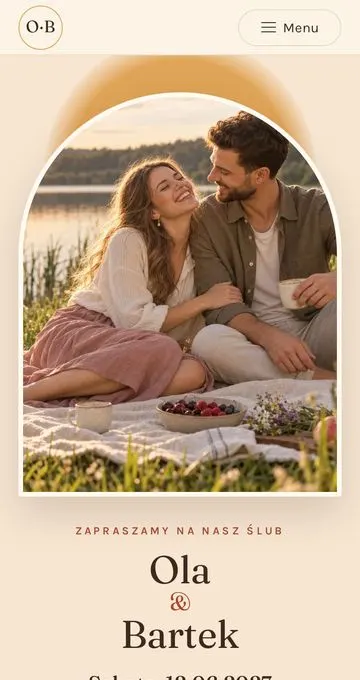
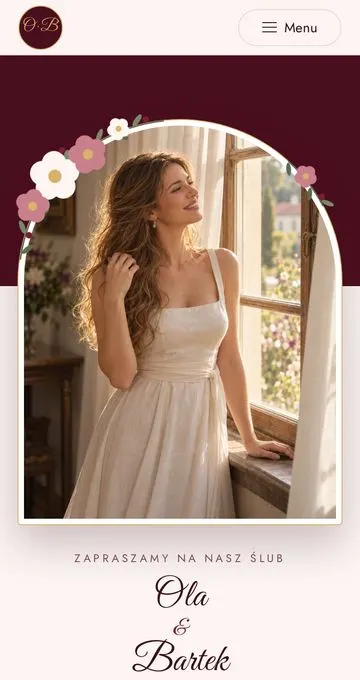
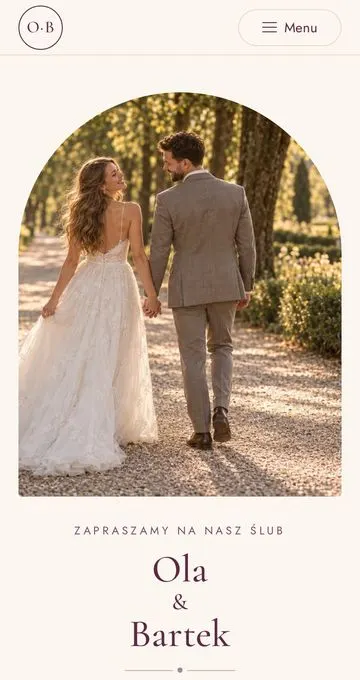
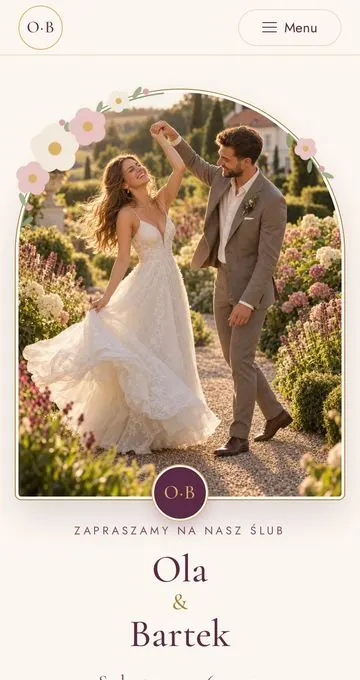
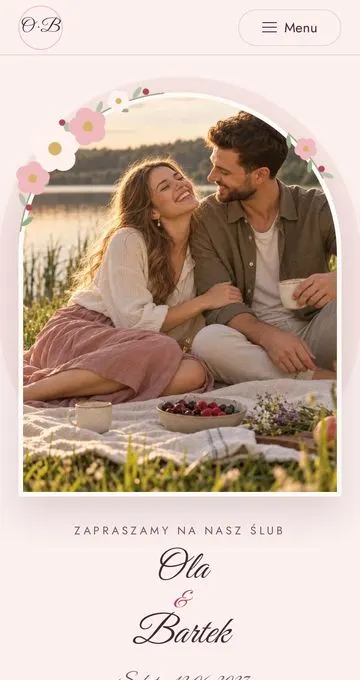
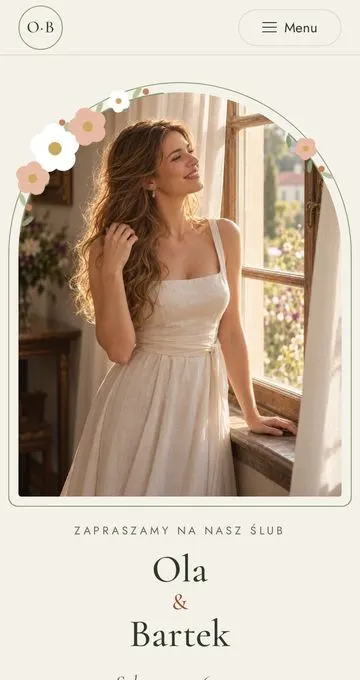
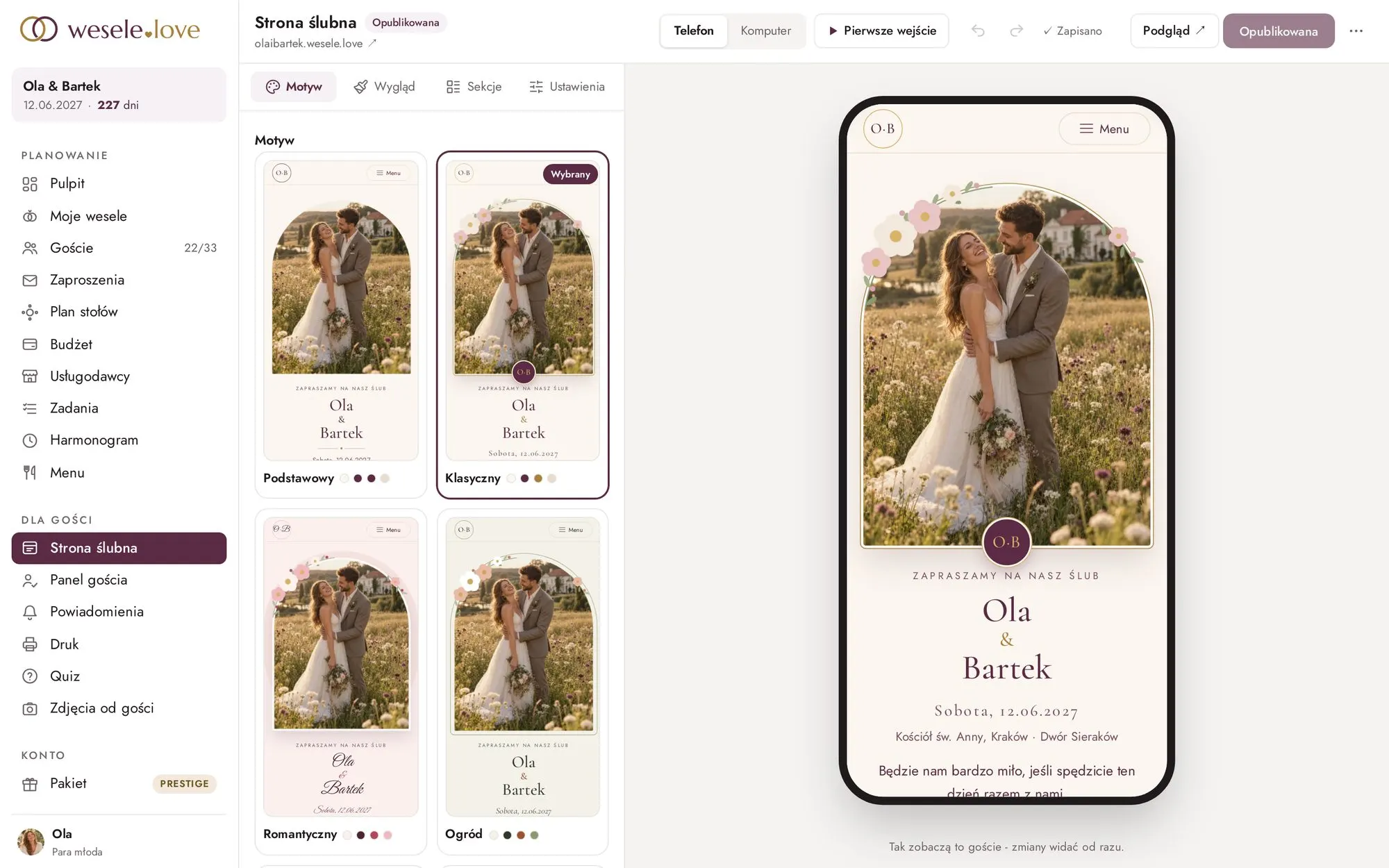
Choose the theme that suits you
Match the website to the style of your wedding, from a rustic garden to an elegant evening.
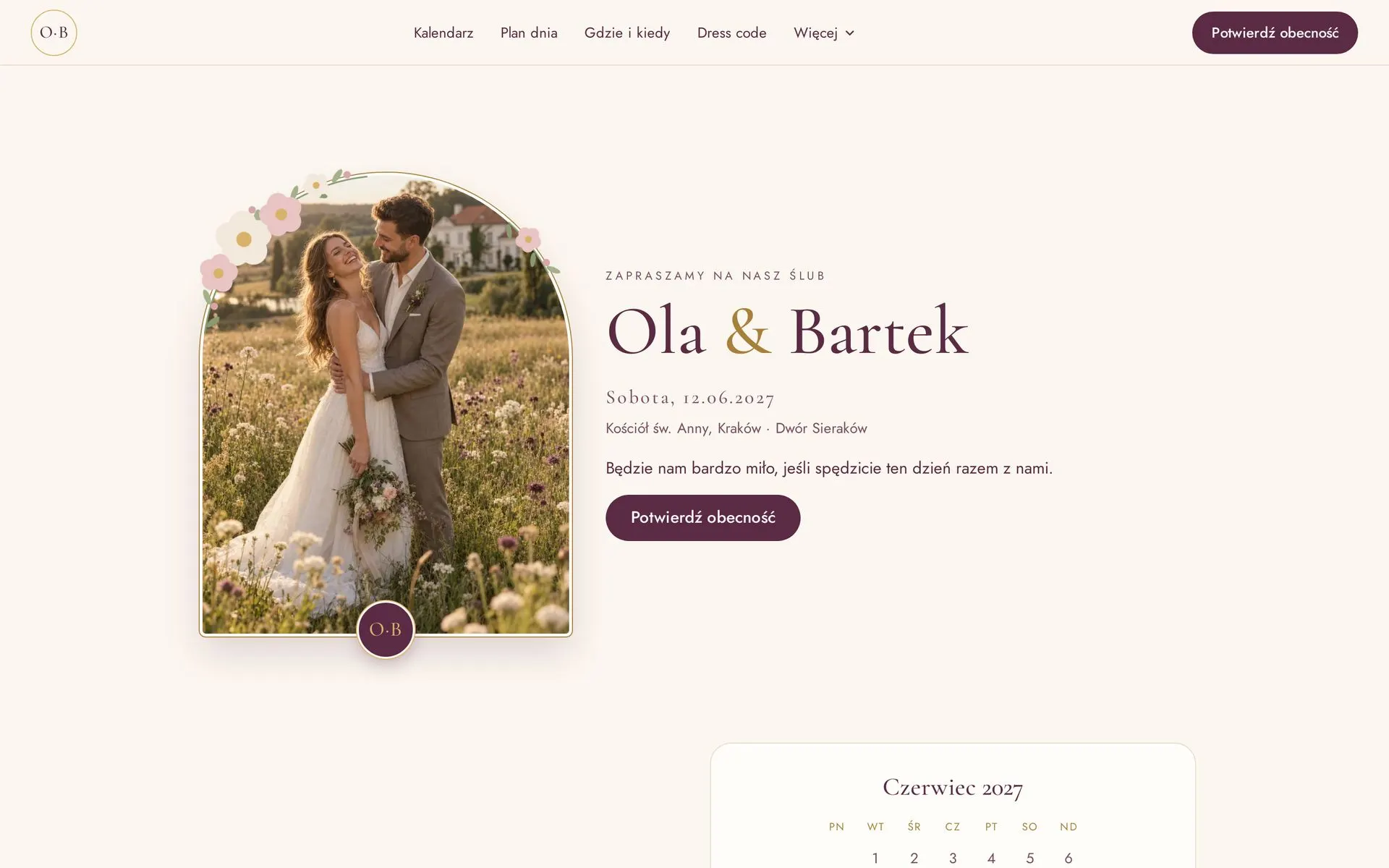
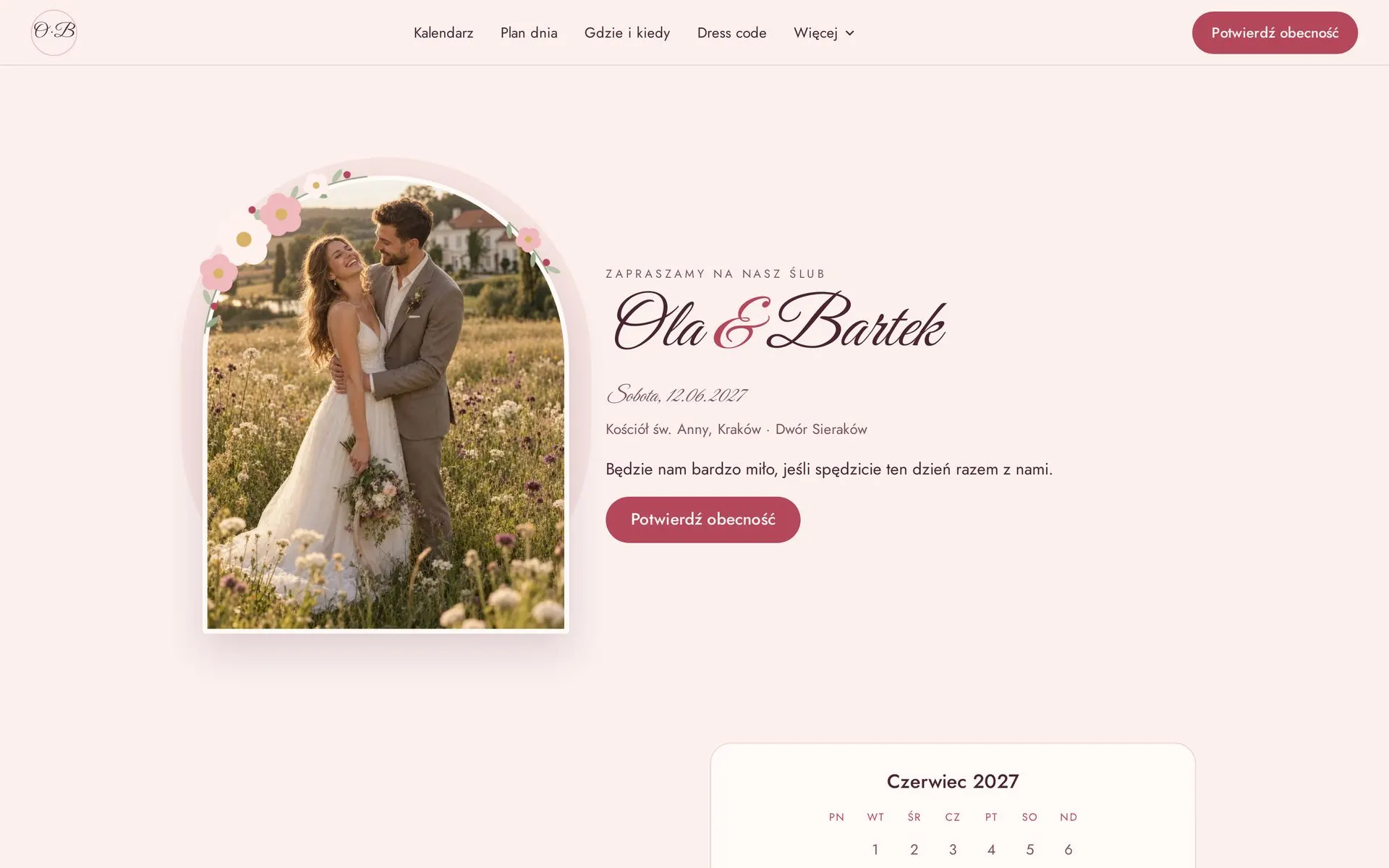
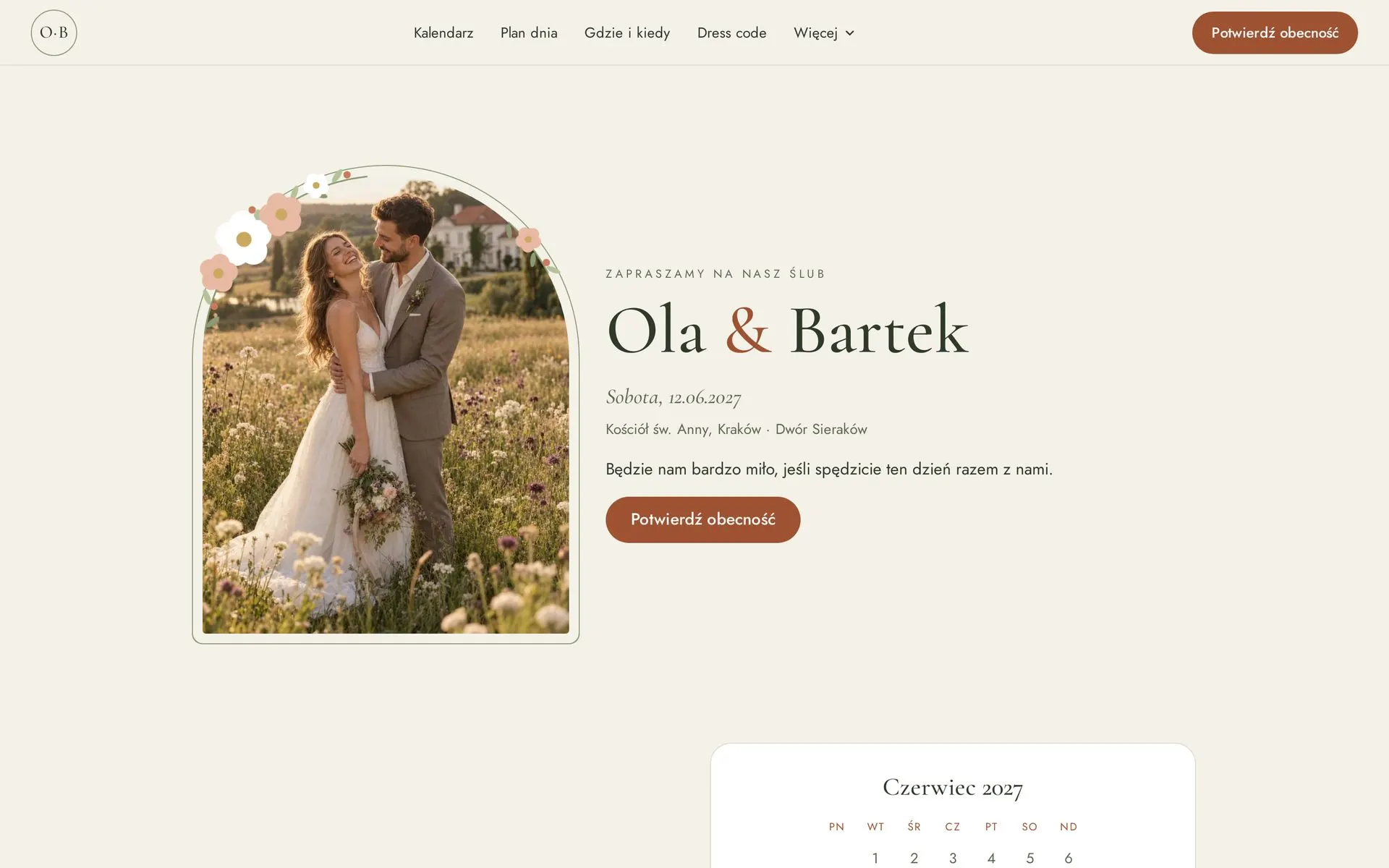
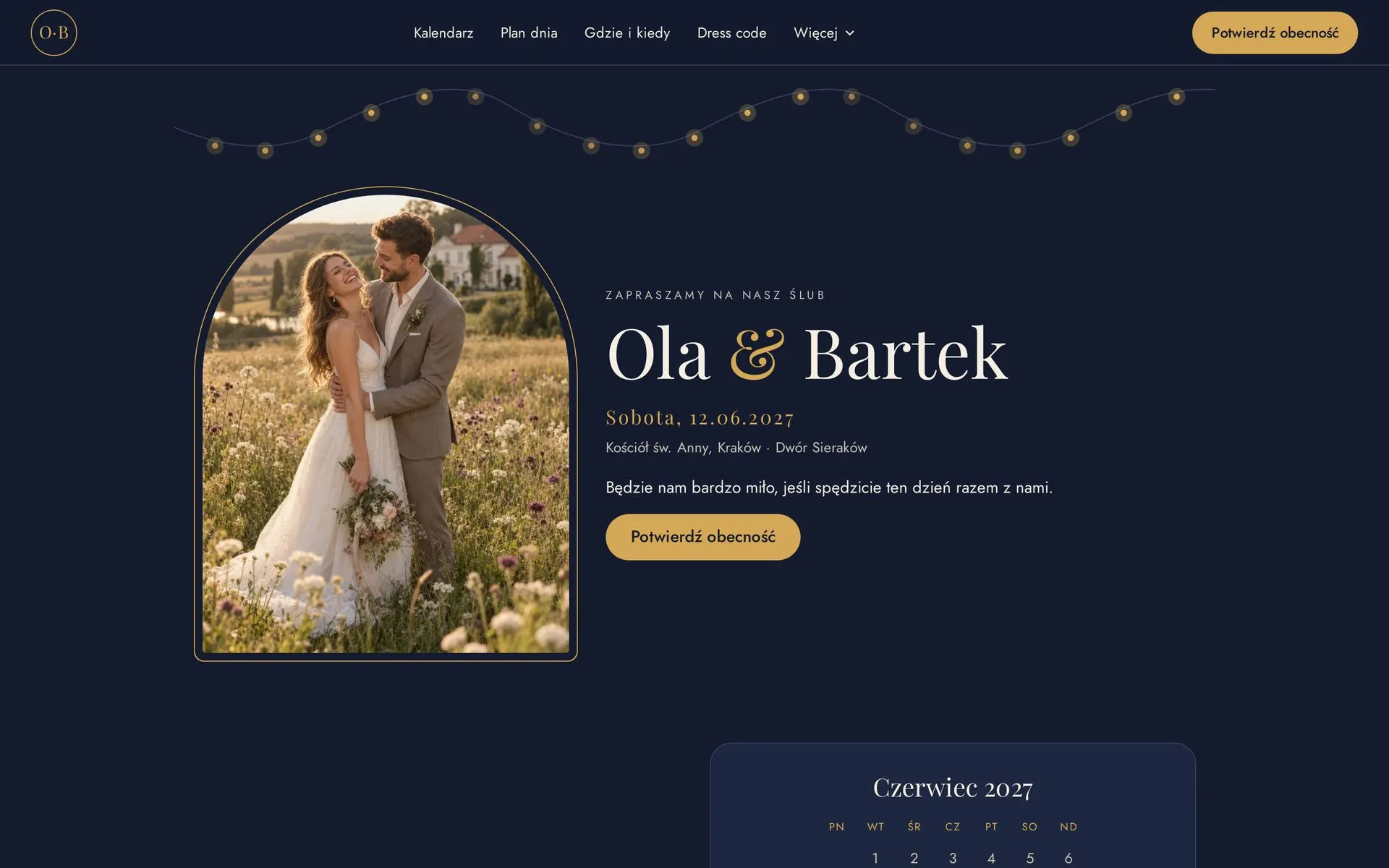
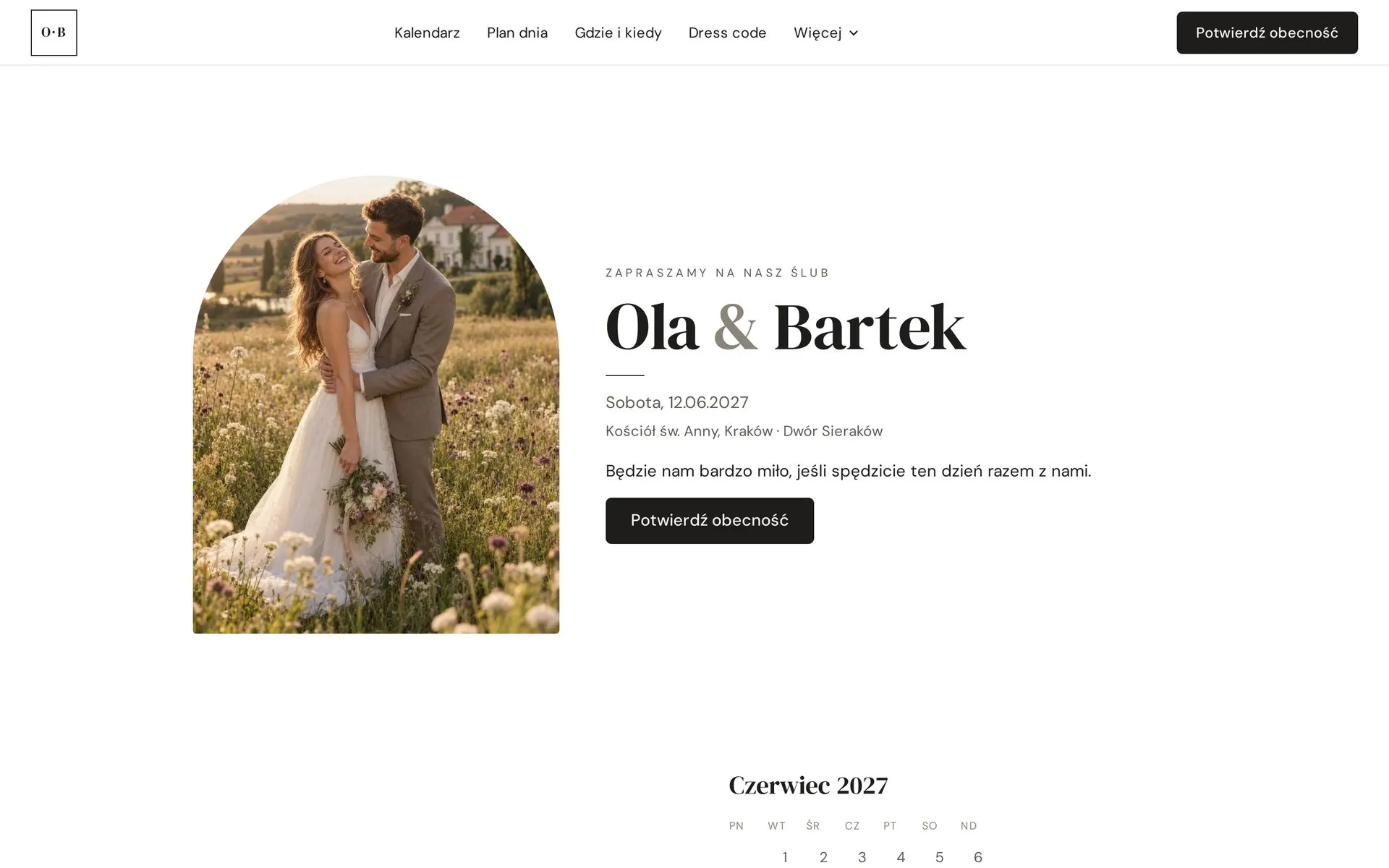
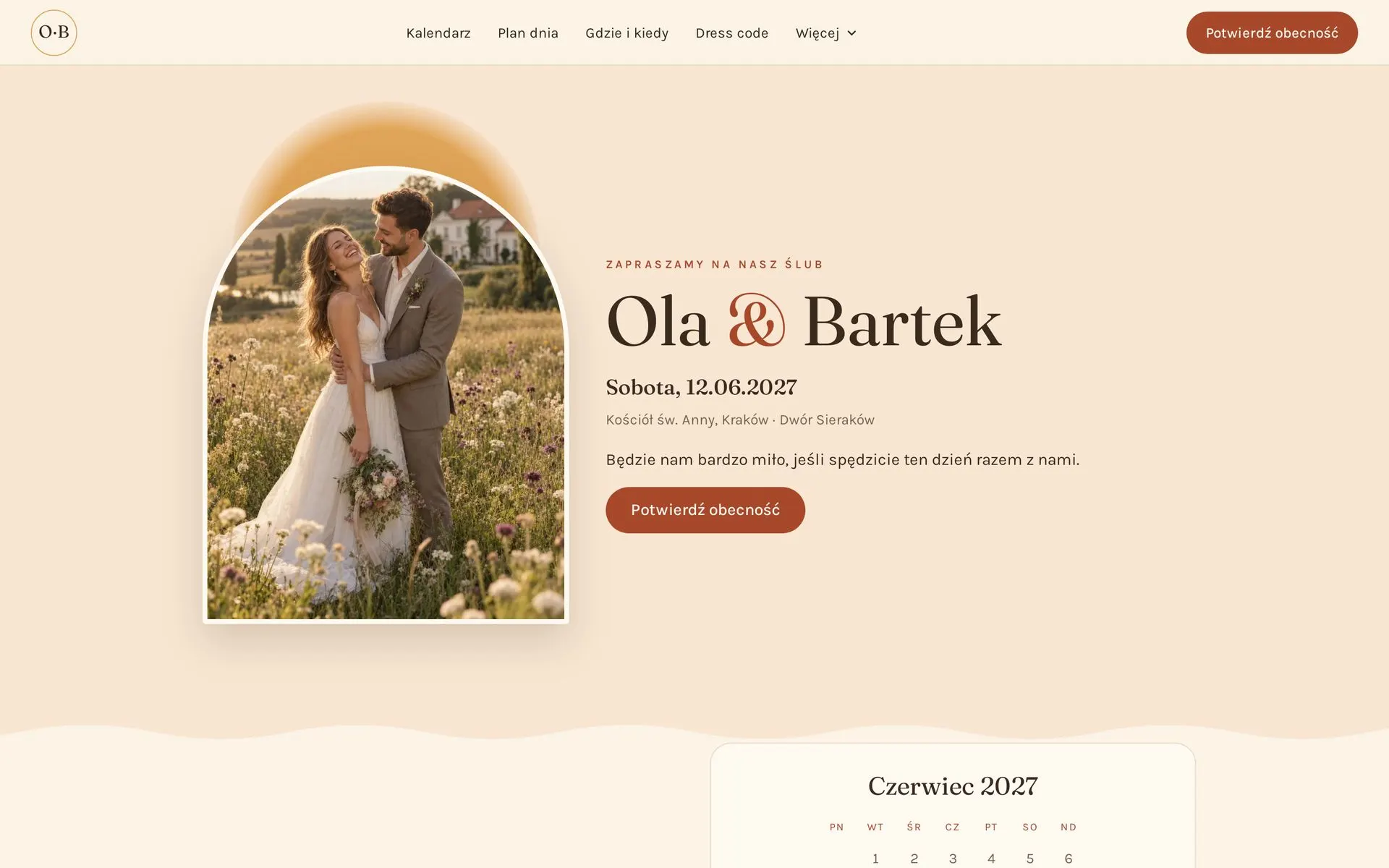
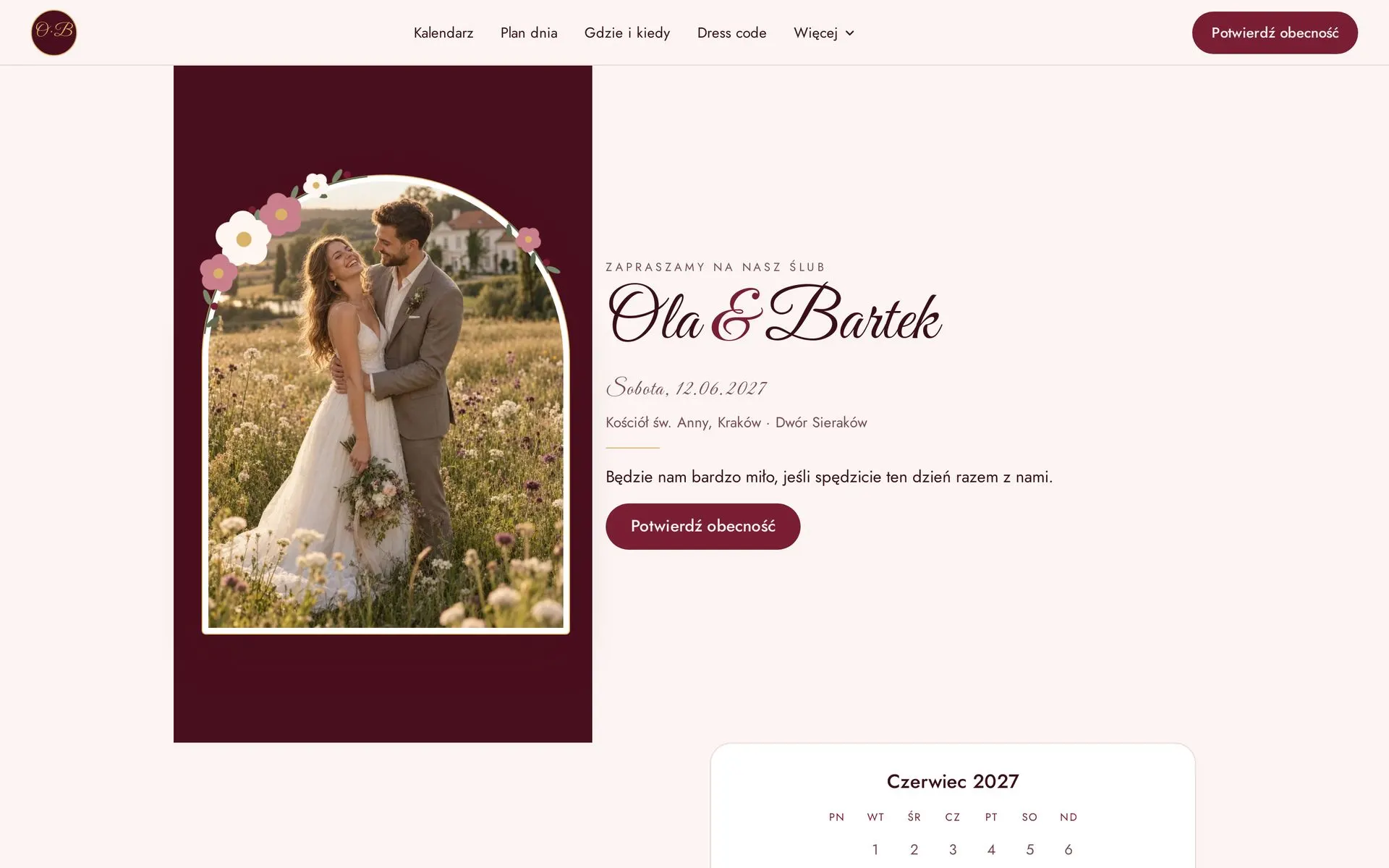
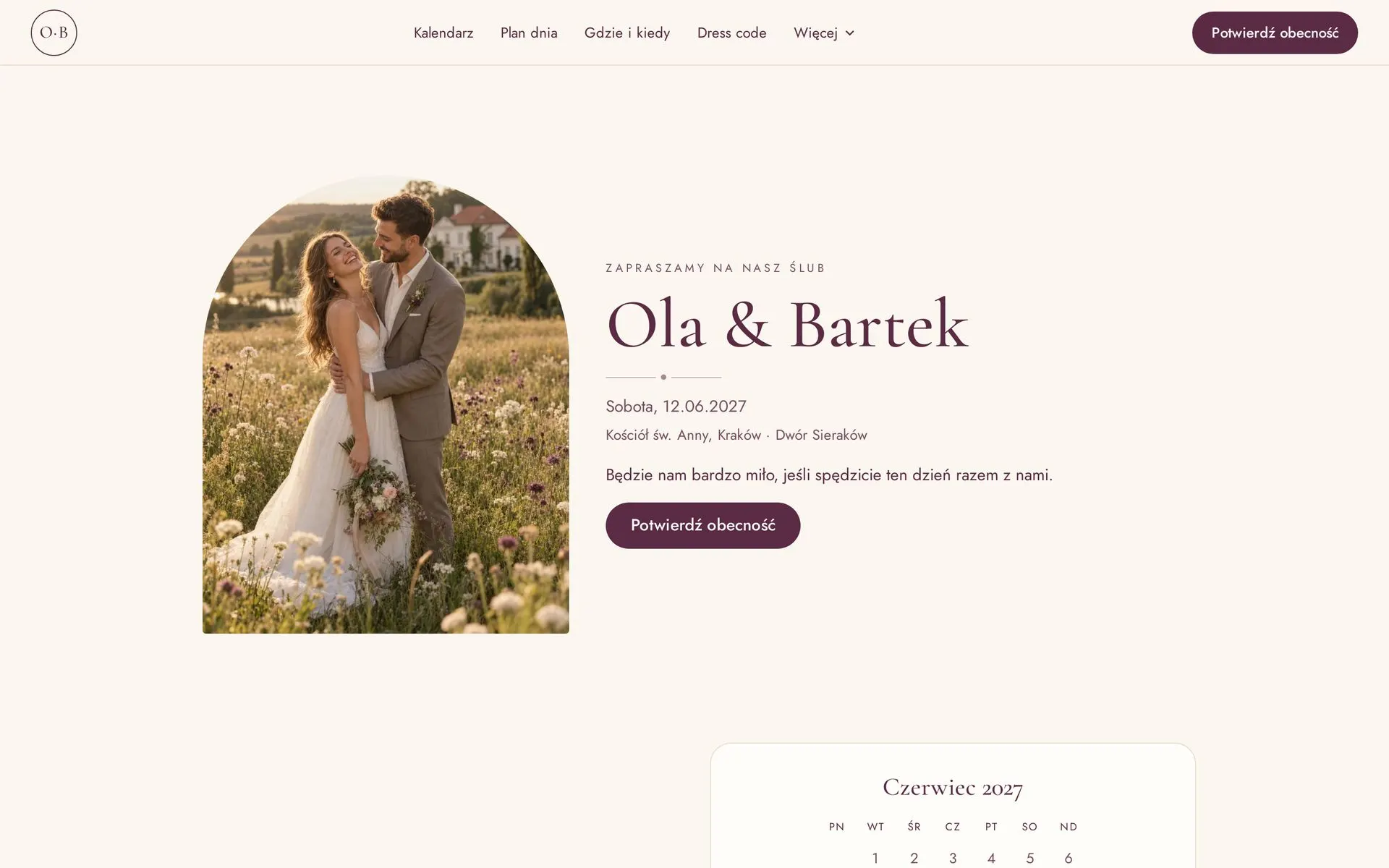
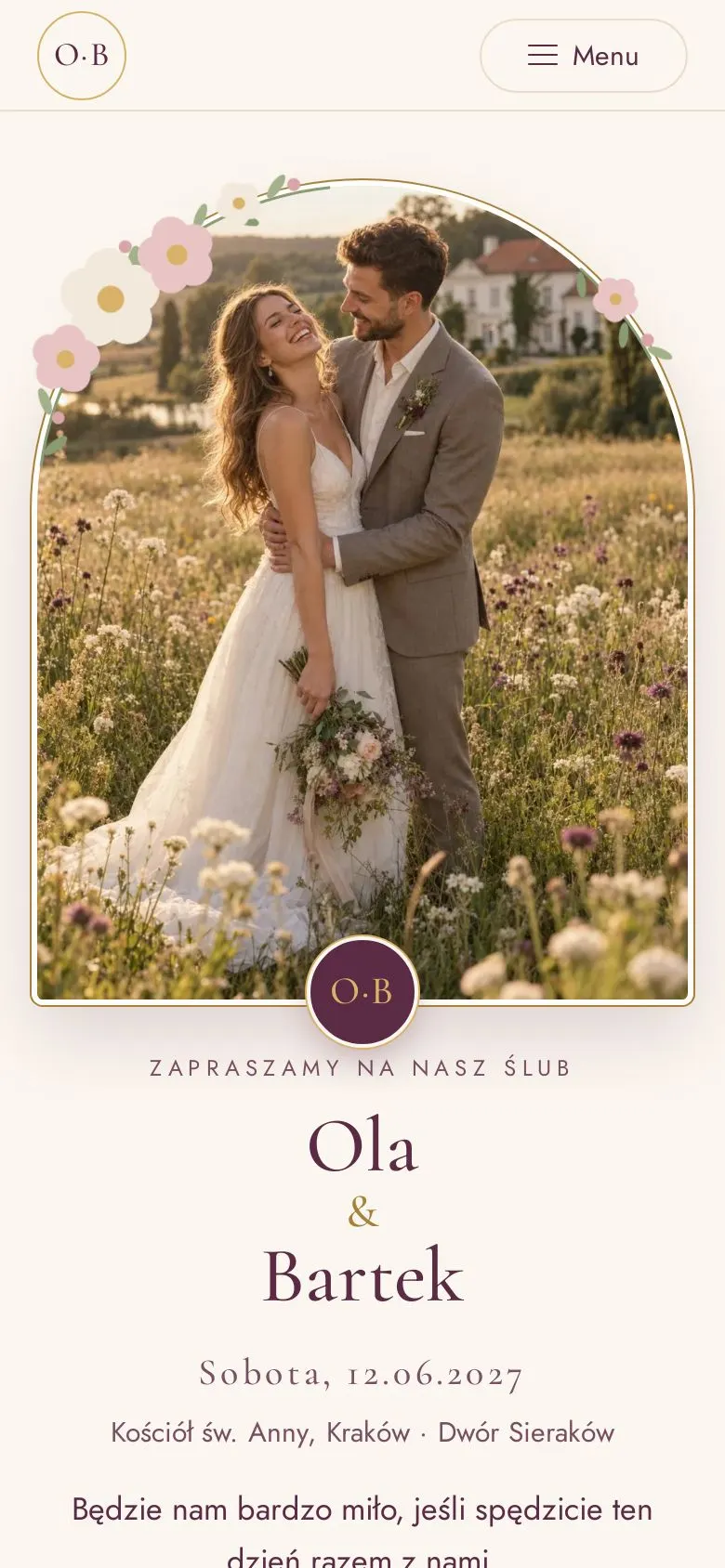
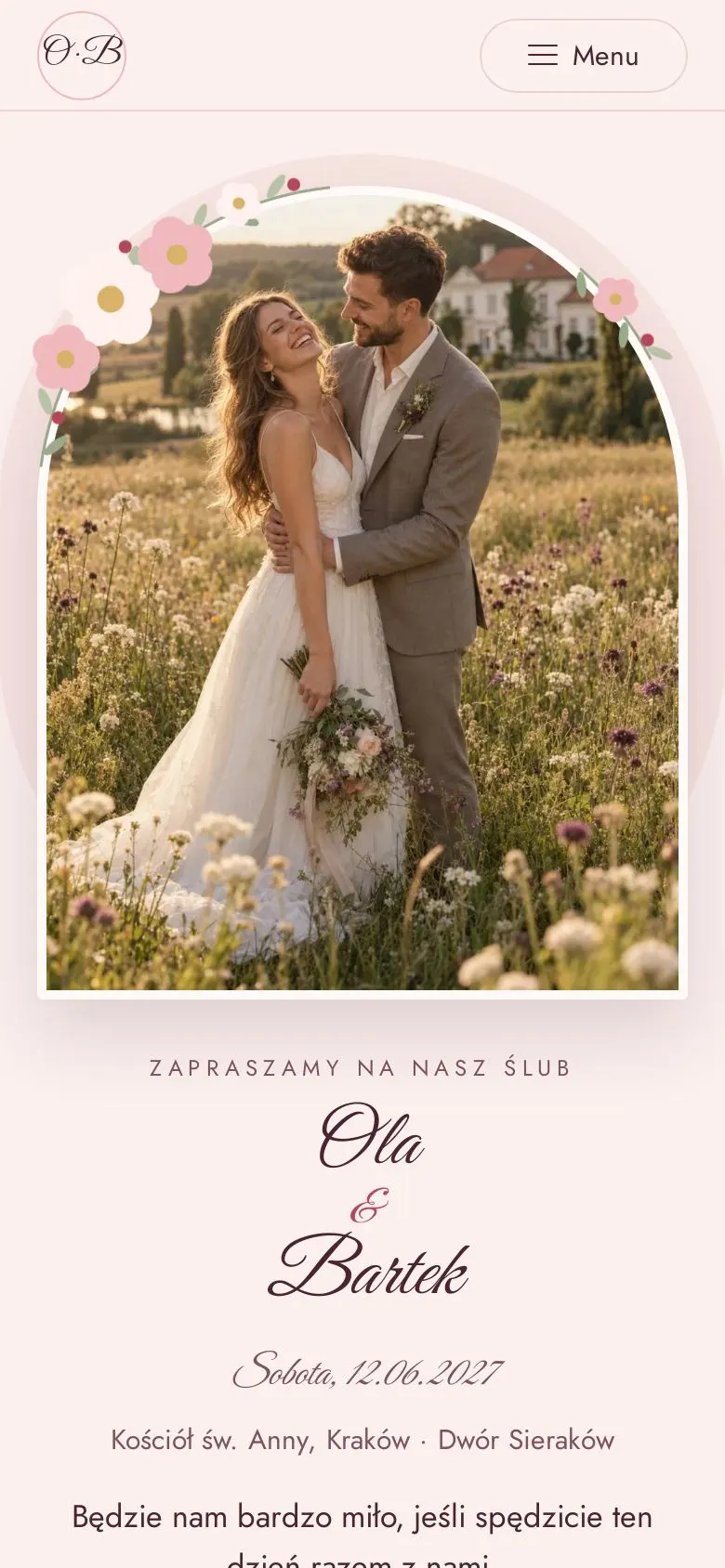
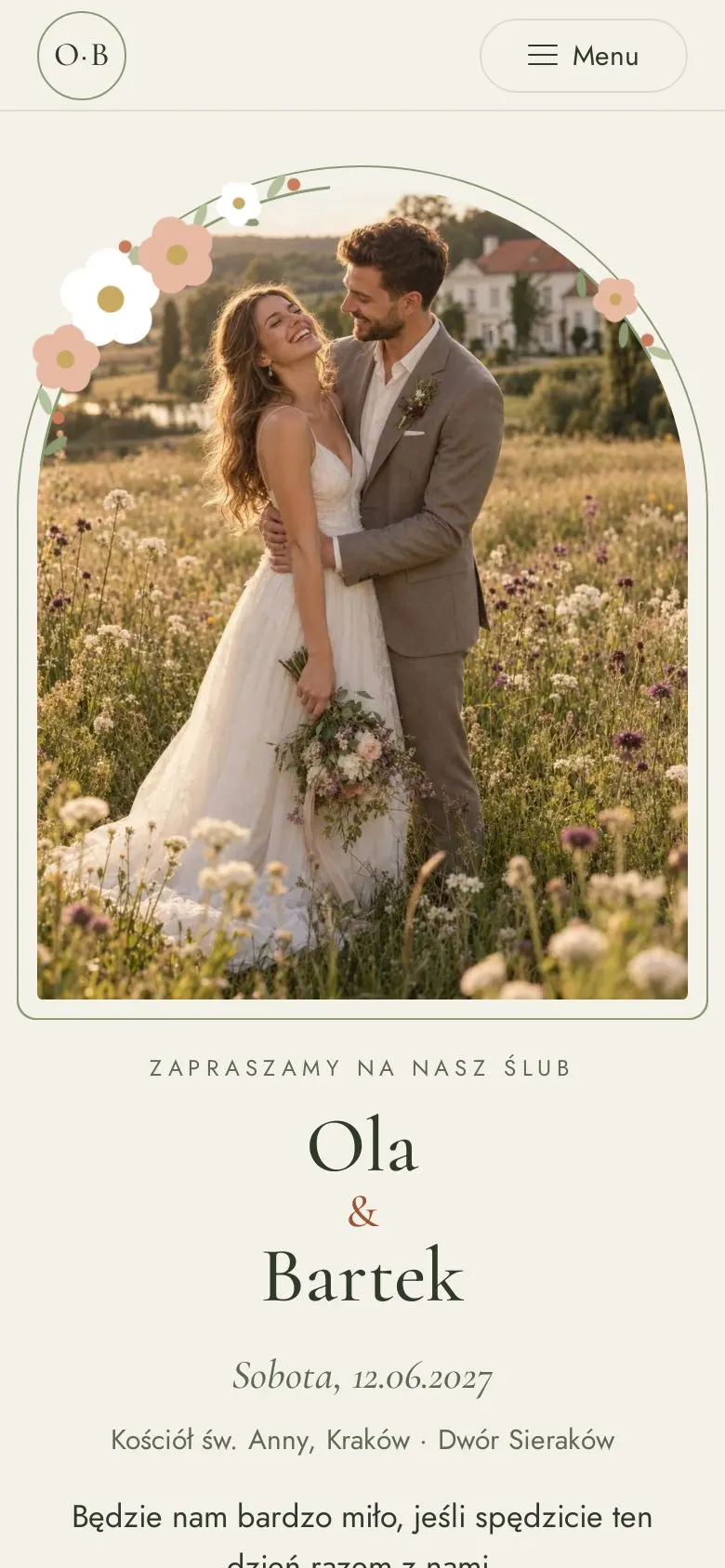
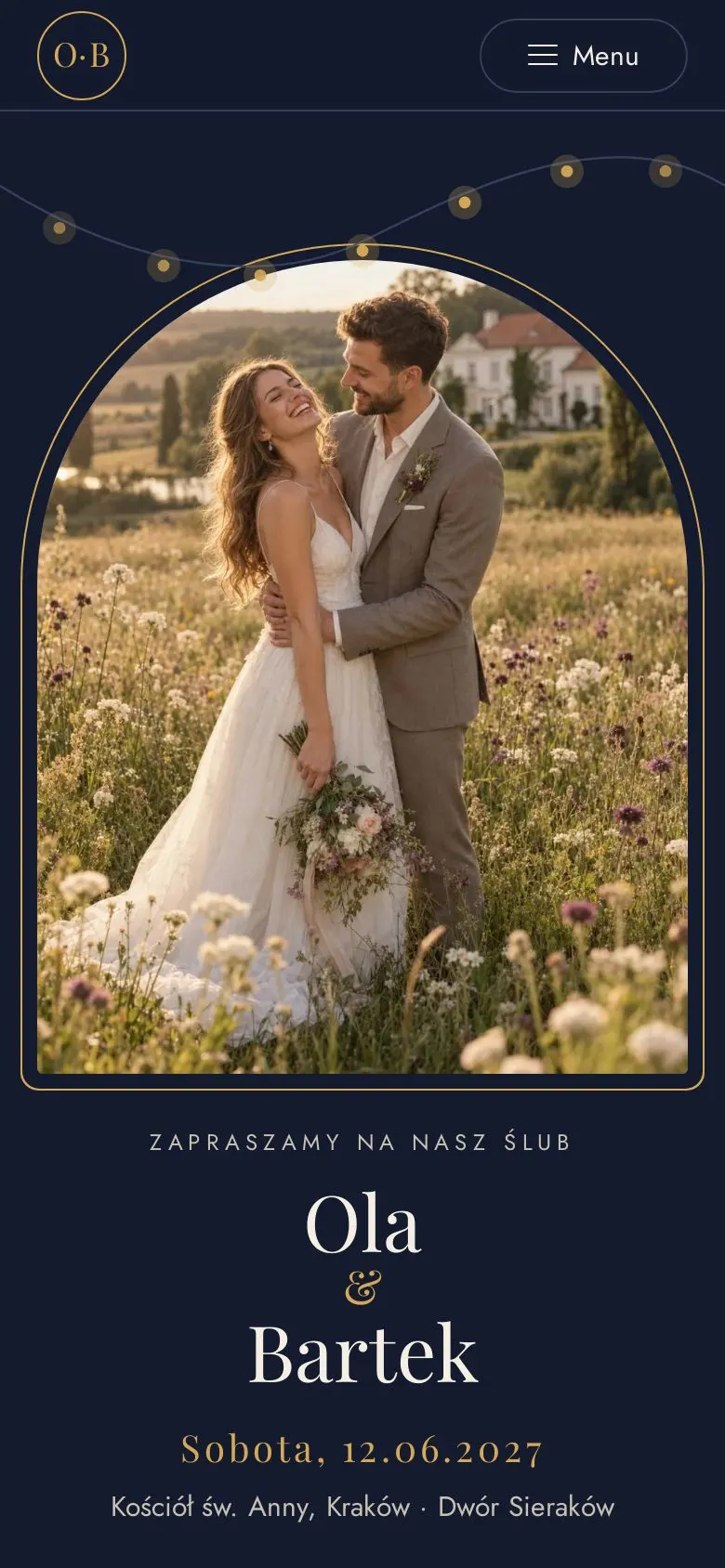
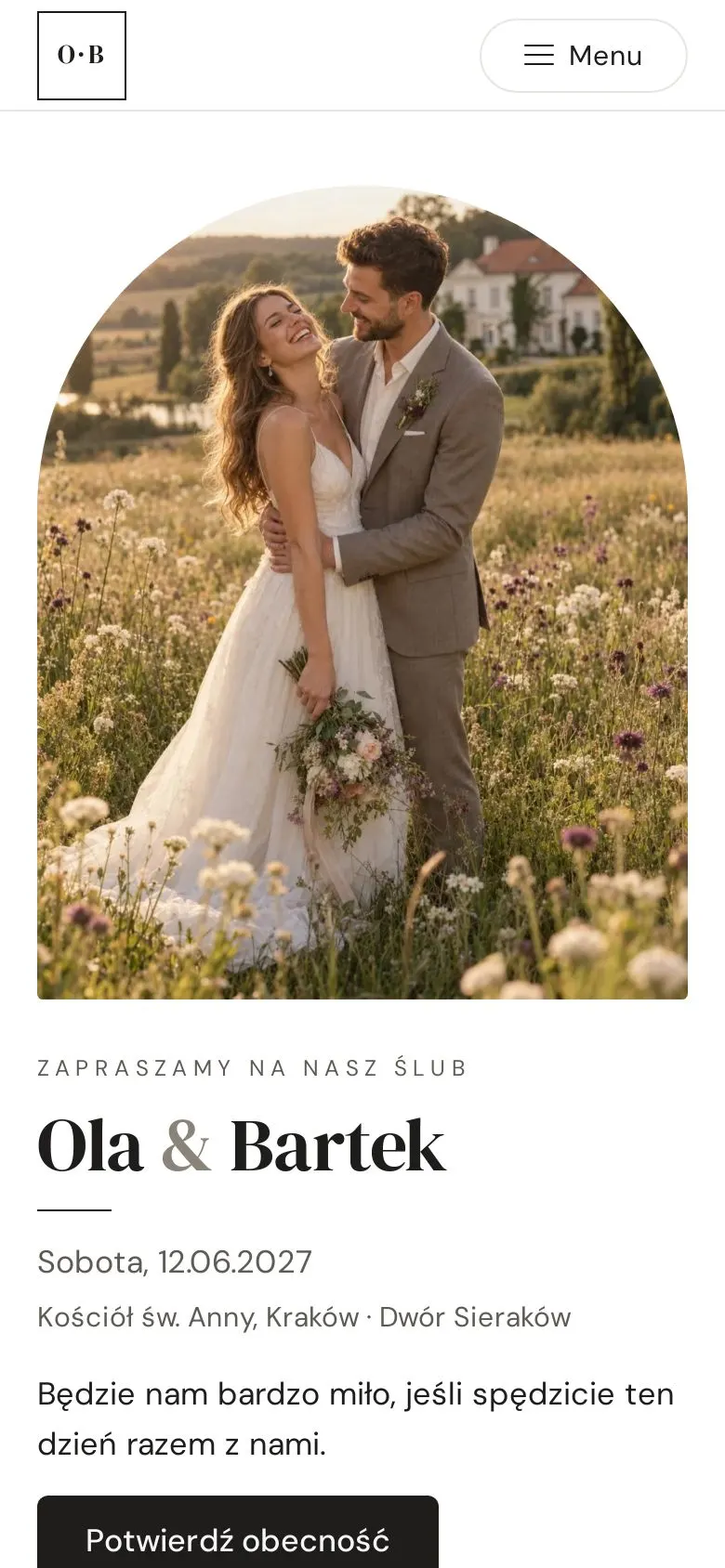
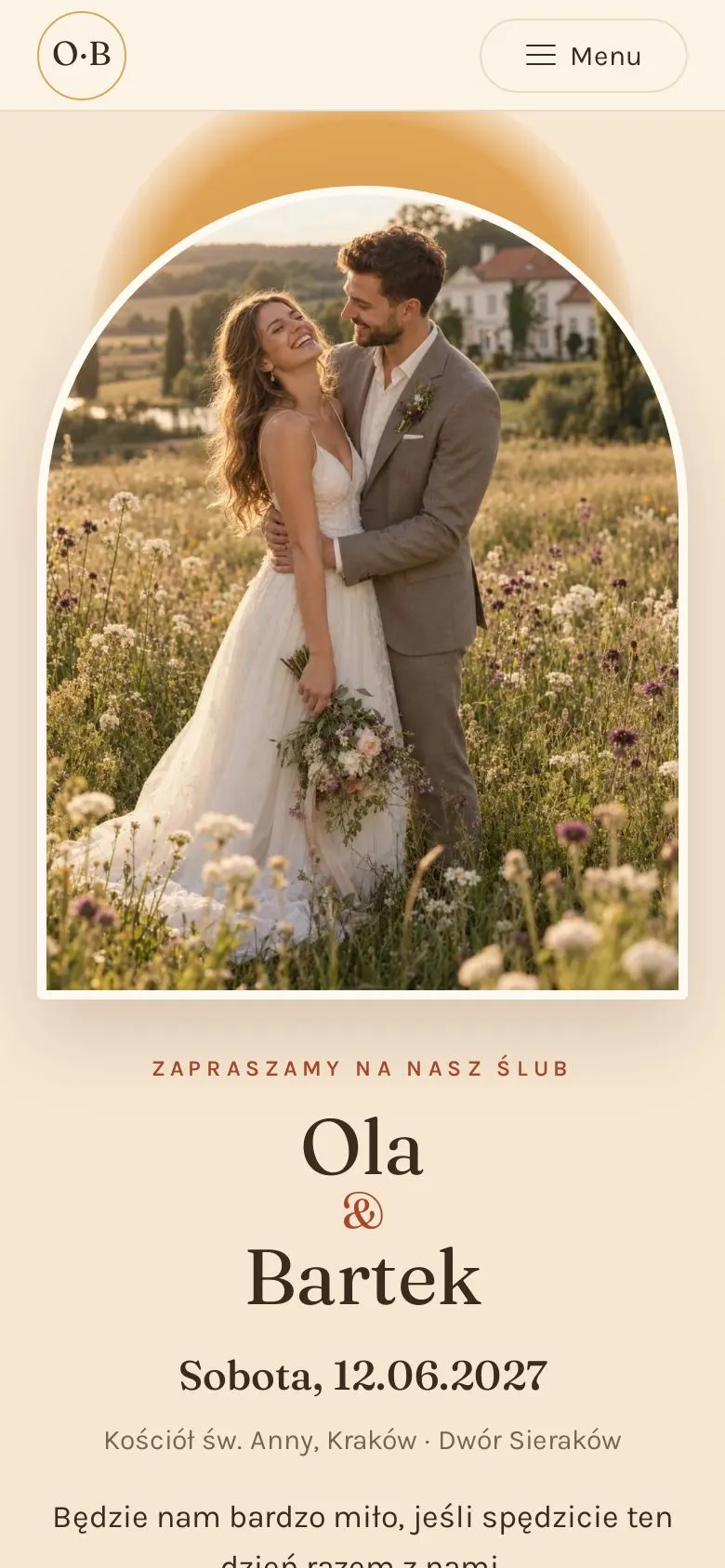
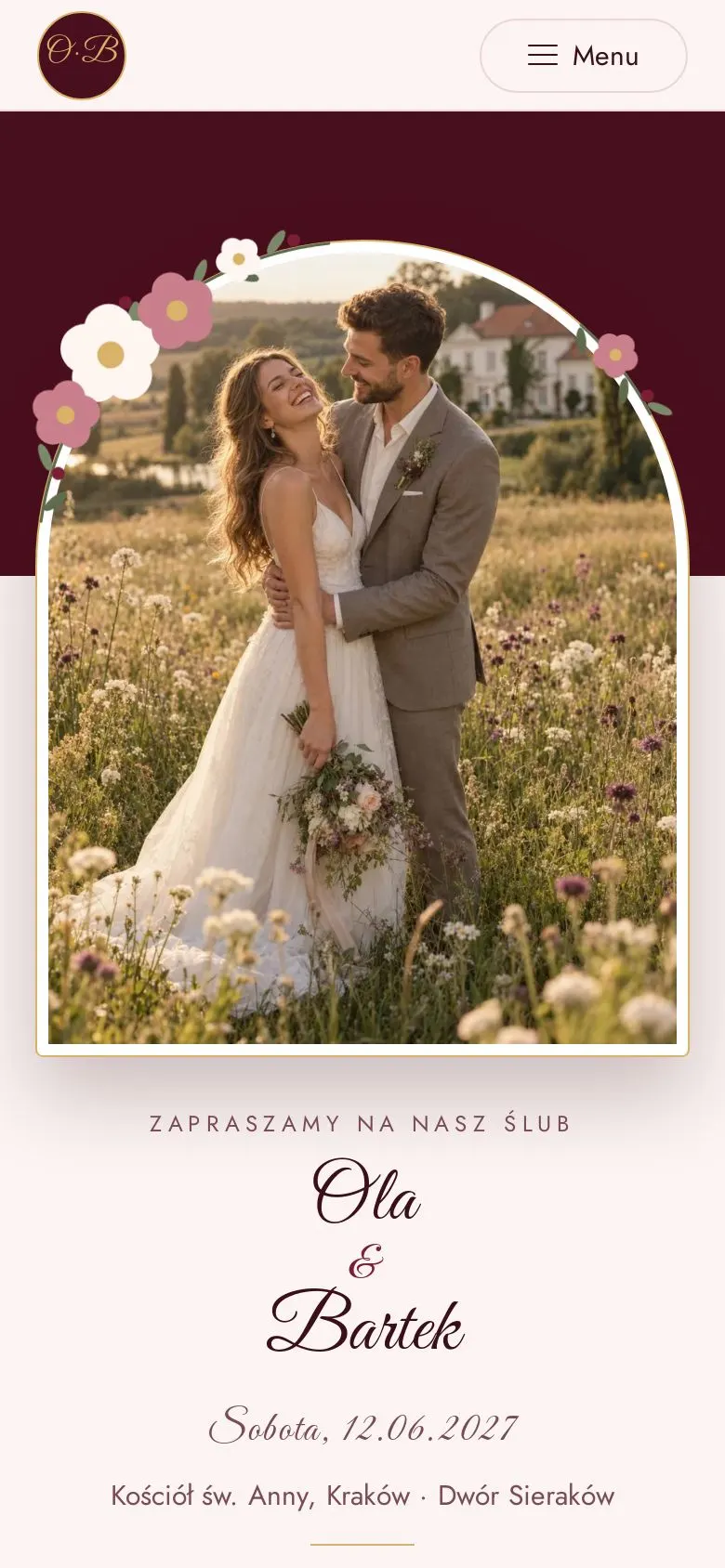
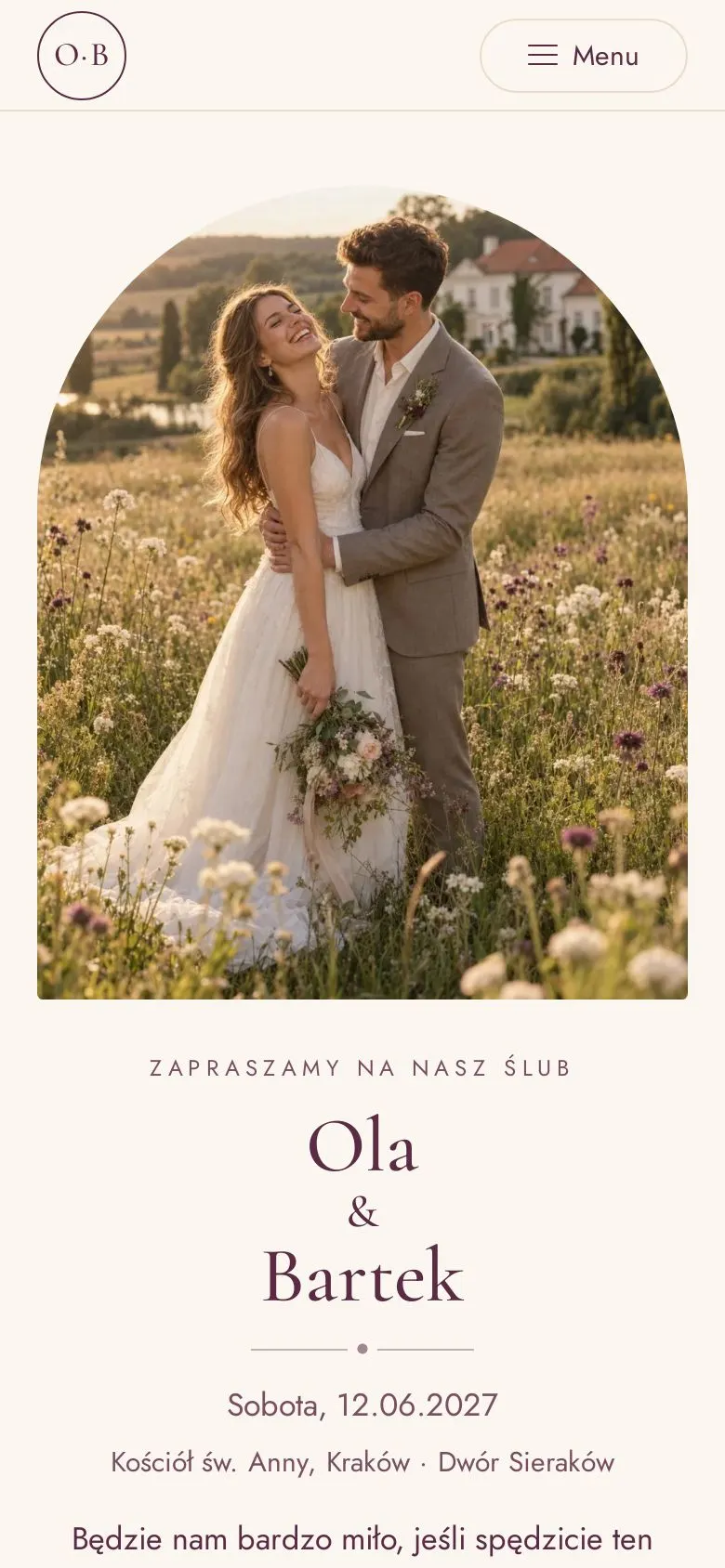
Opening effect: envelope
See the demo ↗What your guests will find
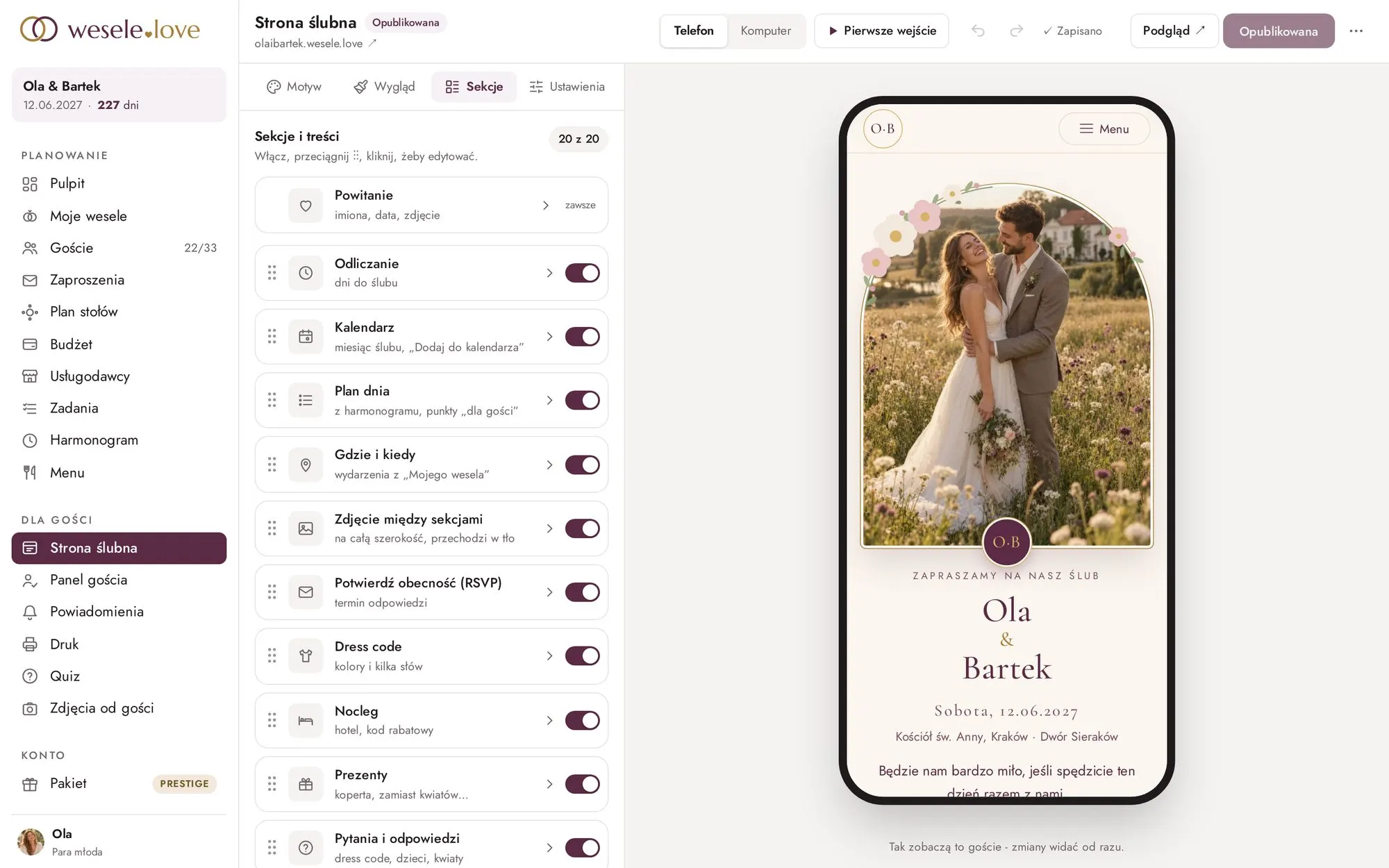
There are 20 kinds of sections to choose from. Turn on the ones you need and put them in your own order.
- 01 / 05
The day step by step
The schedule takes its times from the timeline in the panel, and every place has a map, “Directions” and “Copy address”.
- Day schedule
- Where and when
- 02 / 05
Replies without phone calls
Guests choose “I’ll be there” or “Can’t make it”, and you see the reply on your guest list right away. Next to it, accommodation with a discount code.
- RSVP
- Accommodation
- 03 / 05
Everything guests ask about
The menu with times and options for special diets, a calendar with the day marked, plus dress code, gifts and how to reach the witnesses.
- Menu
- Calendar
- 04 / 05
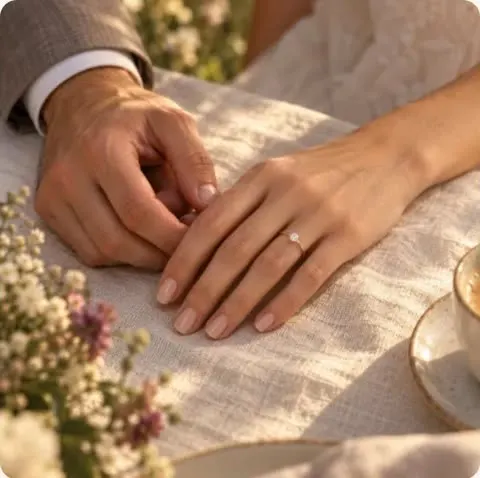
Your story
How you met, with a photo, and a few of your pictures arranged in a mosaic.
- Your story
- Gallery
- 05 / 05From Premium
Fun for guests
A quiz where guests find out how well they know you, and photos they add from their phones, right in the browser.
- Couple quiz
- Guest photos



 Ola
 Bartek

A QR code on your invitations
Guests scan the code on the invitation and land on your website straight away. Add the code to your invitations in the print studio, or download it from the panel if you print elsewhere.
- Your own address, e.g. olaibartek.wesele.love
- A password if the website is for guests only (from Premium)
Easy to build, easy to change
Start with a theme. The content stays, only the look changes.
- 8 themes with their own colours, fonts and ornaments
- Switch the theme in one click
- Instant preview on a phone or a computer
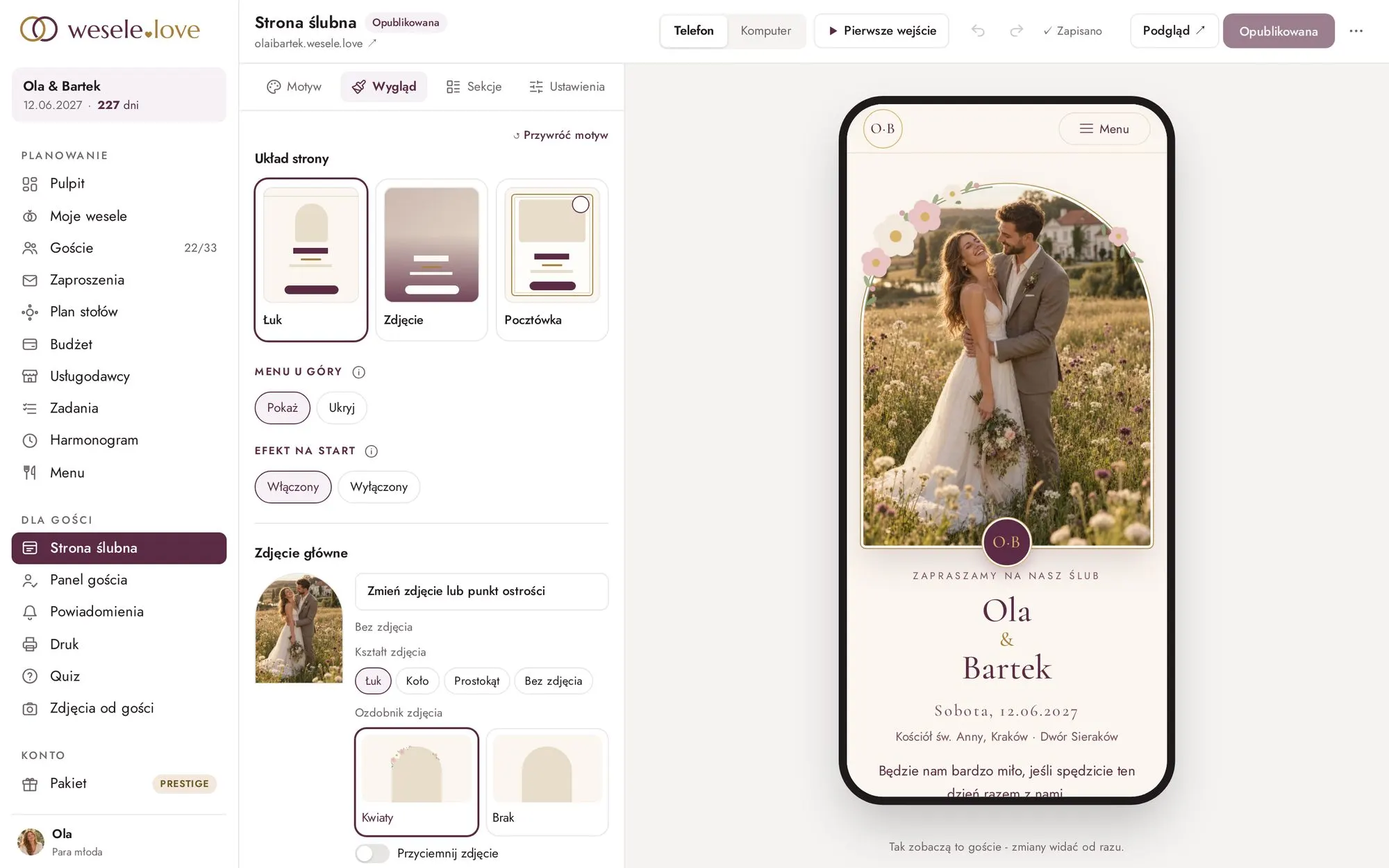
Make the colours, fonts and main photo your own.
- Three opening layouts: arch, photo or postcard
- Main photo with a choice of shape and focal point
- Your own background, text and ornament colours
- Fonts for headings and text
Turn on what you need and set the order.
- Turn sections on with a toggle and drag them into place
- The schedule, places and menu fill in from the planner, no retyping
- Guest replies go straight to your guest list
- Changes save by themselves and every one can be undone
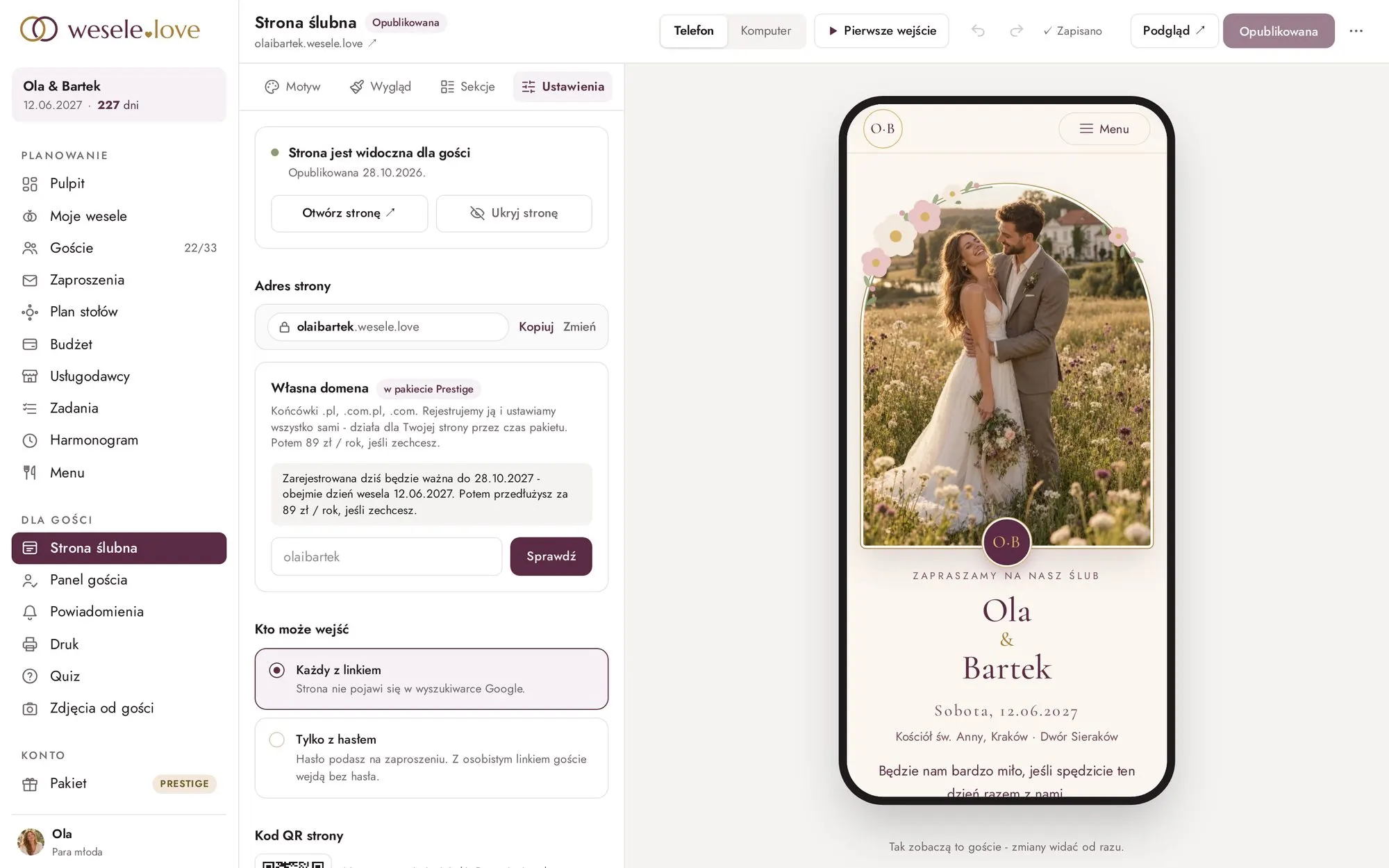
Address, access and publishing in one place.
- Your own address, e.g. olaibartek.wesele.love
- Open to anyone with the link or protected with a password
- The website’s QR code to download and print
- Publish when the website is ready
How to get started
- 1Create your wedding
The account is free.
- 2Choose a theme and sections
Some content fills in from your wedding details.
- 3Publish
Send your guests the link or the QR code.
Frequently asked questions
Questions? Write to [email protected].
You can RSVP, play the quiz and add a photo. None of it is saved.
Open the demo ↗Do guests need to install anything?
No. The website opens in the browser on phones and computers, and guests don’t need an account.
How much does the website cost?
It is free with the Start package, with the Podstawowy and Minimal themes. The other themes, password protection, the quiz and guest photos come with Premium.
Can we change the theme after publishing?
Yes, at any time. The look changes, the content stays.
How do guests RSVP?
On the website they choose “I’ll be there” or “Can’t make it” and fill in a few fields. You see the reply on your guest list right away. From Premium, guests can also reply in their own guest area through a personal link.
Can the website be password protected?
Yes, from Premium. Guests enter the password from the invitation once, and the personal link from the invitation lets them straight in.
How long does the website stay online after the wedding?
With Start 30 days after the wedding, with Premium 3 months and with Prestige 2 years. You can buy another year.
Start planning
today