Wedding guest photos, straight from their phones
A QR code on the table, a few taps from a guest and the photo is in your album. No account, no app, originals ready to download.
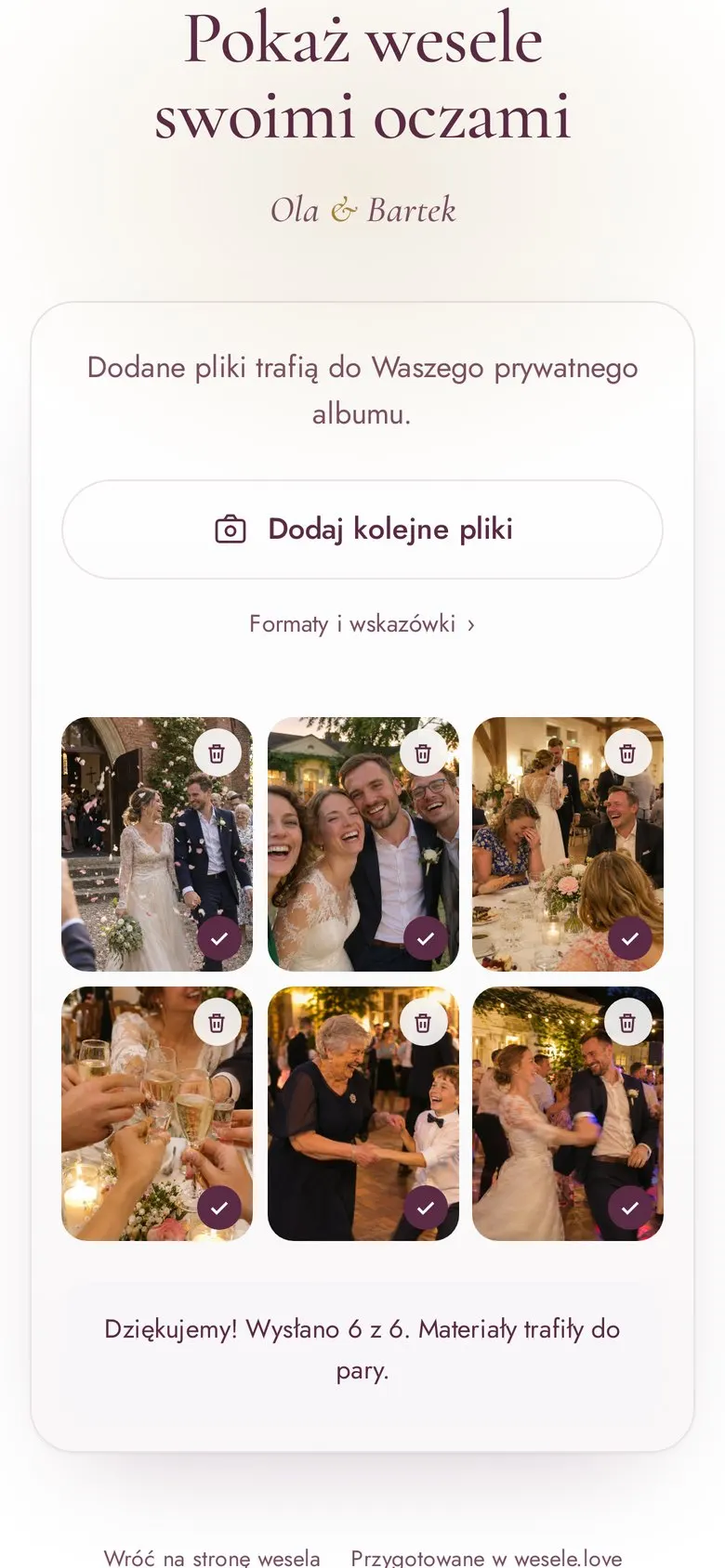

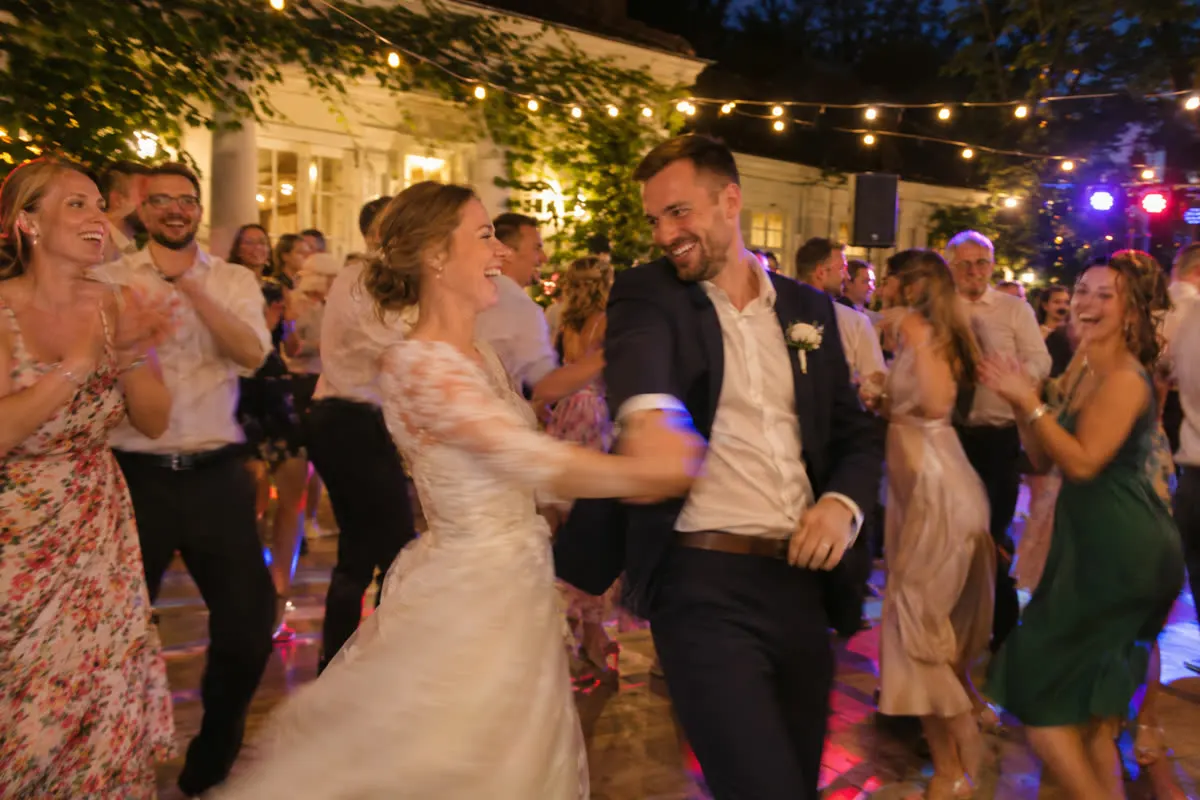
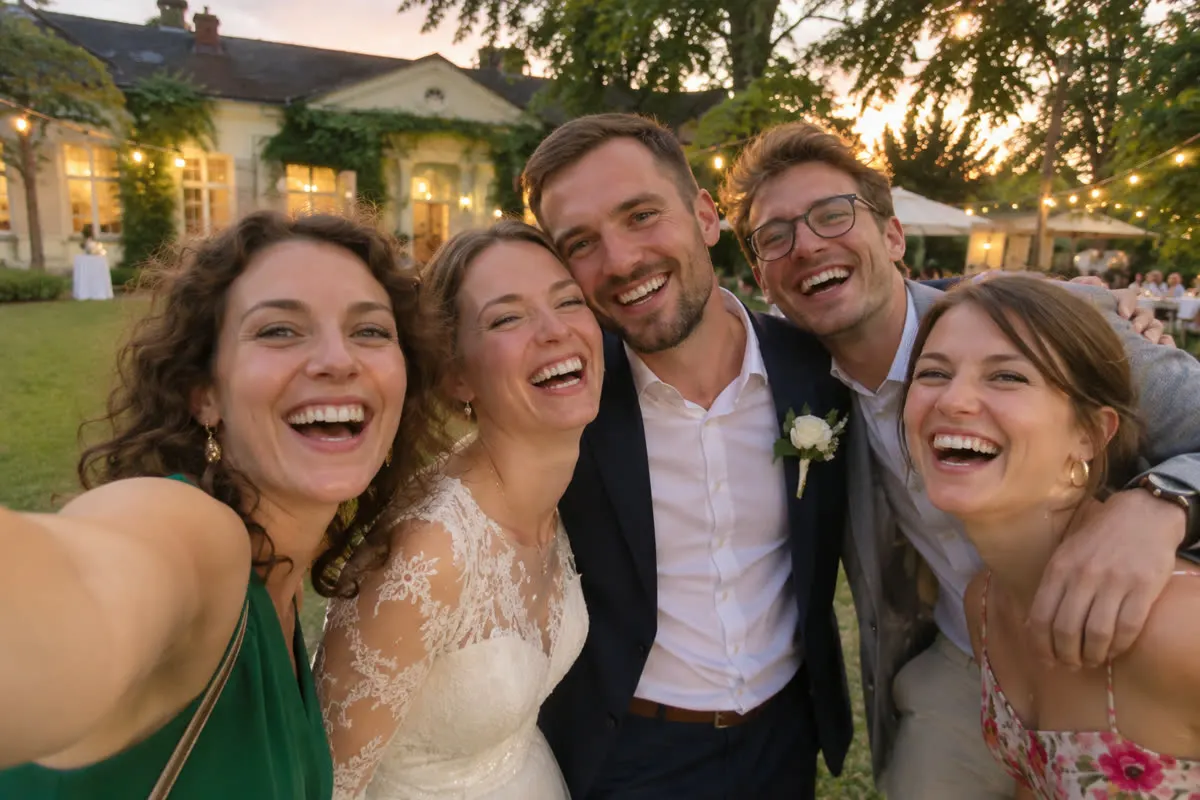

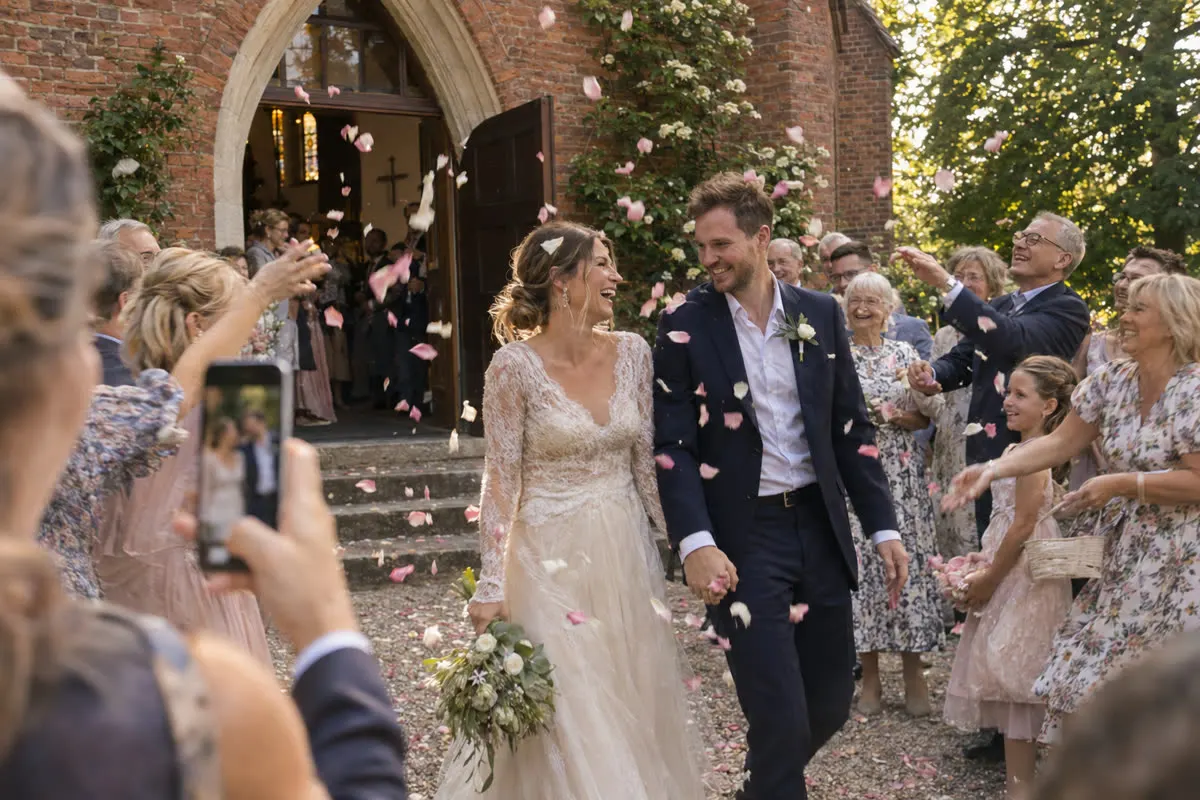
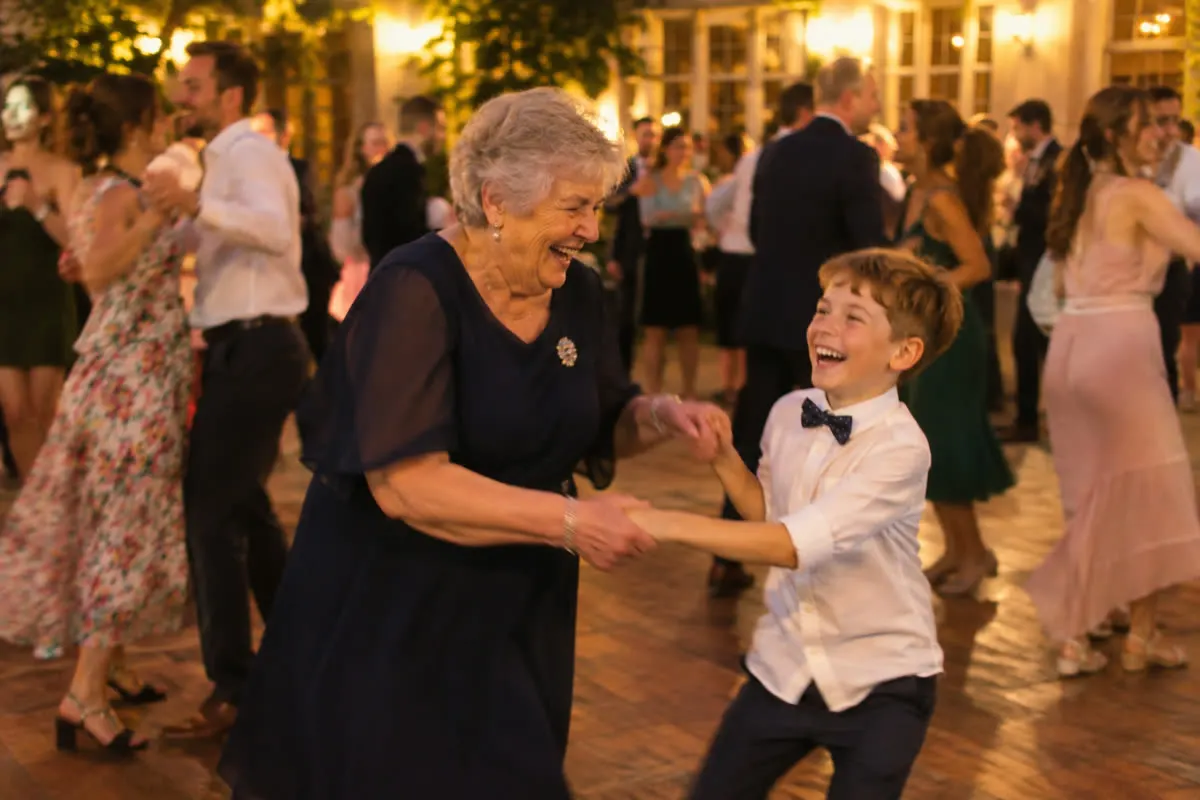
- No appjust the phone camera
- Photos and videosin original quality
- A QR code for the tablein your wedding theme
From the table to the album
Photos from the whole room in one place, instead of on dozens of phones and in a WhatsApp group.
- 01 / 04
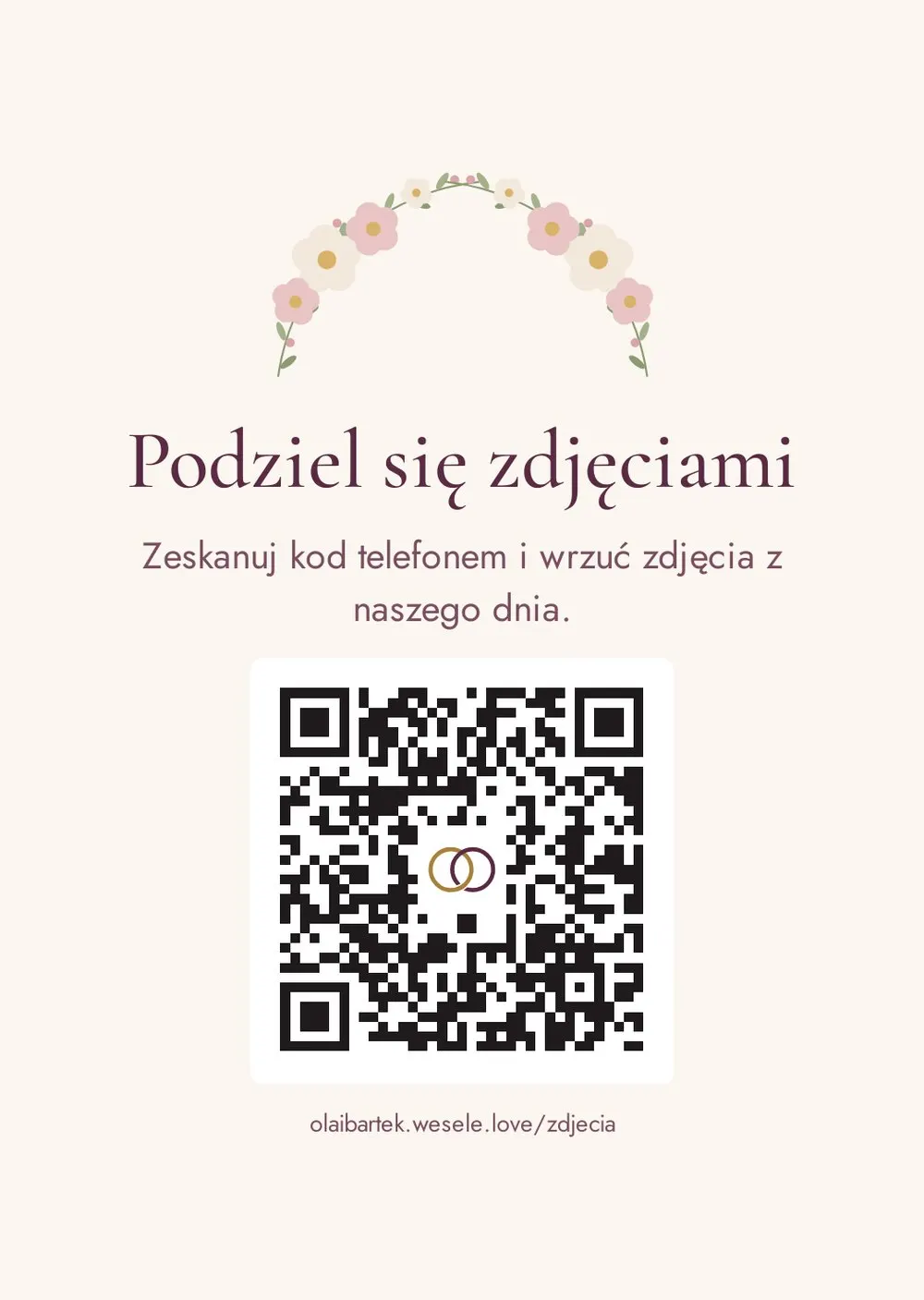
A QR code on the table
A small card with the code stands by the place settings. You can also send the link on WhatsApp or by e-mail.
- In your wedding theme
- Print it at home
- 02 / 04
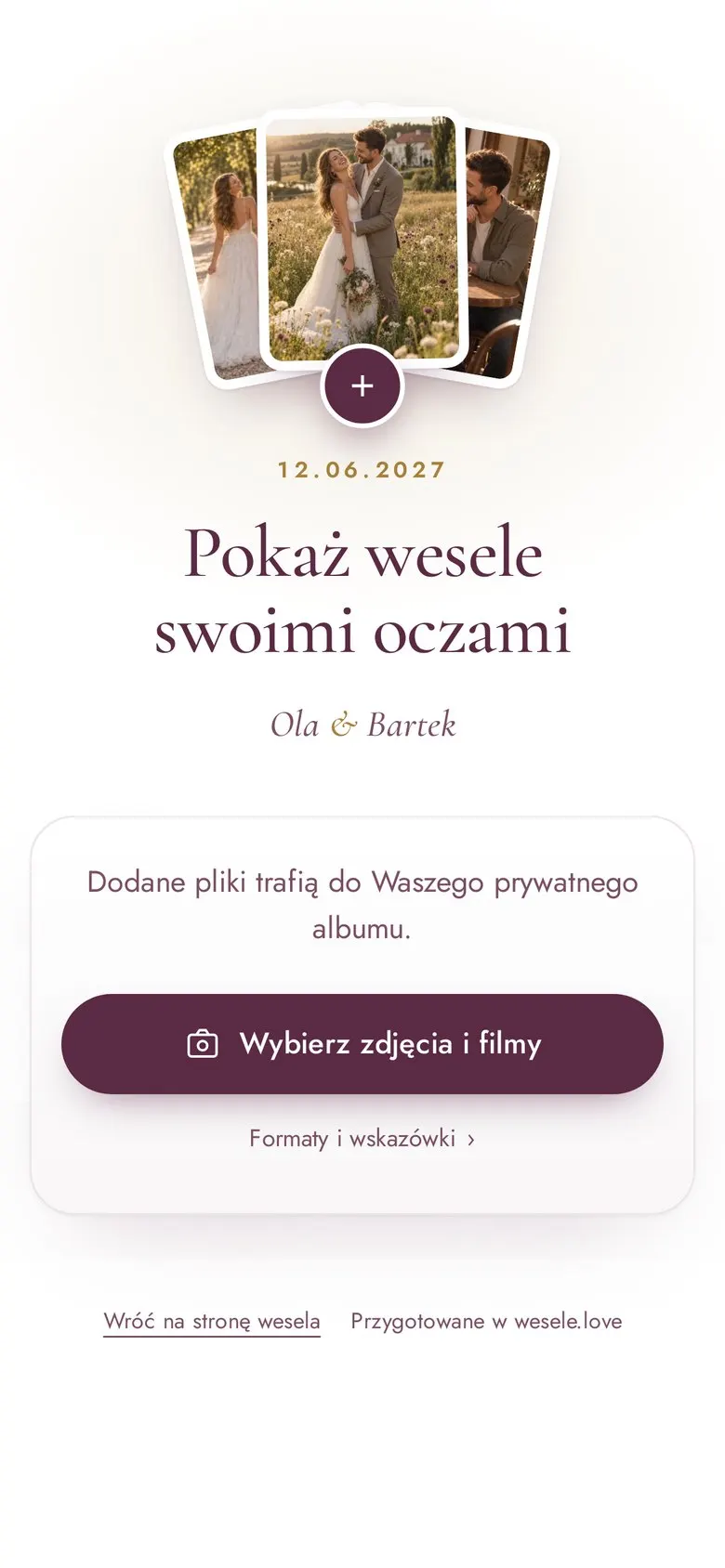
Guests upload from their phones
They scan the code, pick photos from their gallery and send them. No account; a name only if they want to add one.
- Up to 100 files at once
- iPhone photos too
- 03 / 04
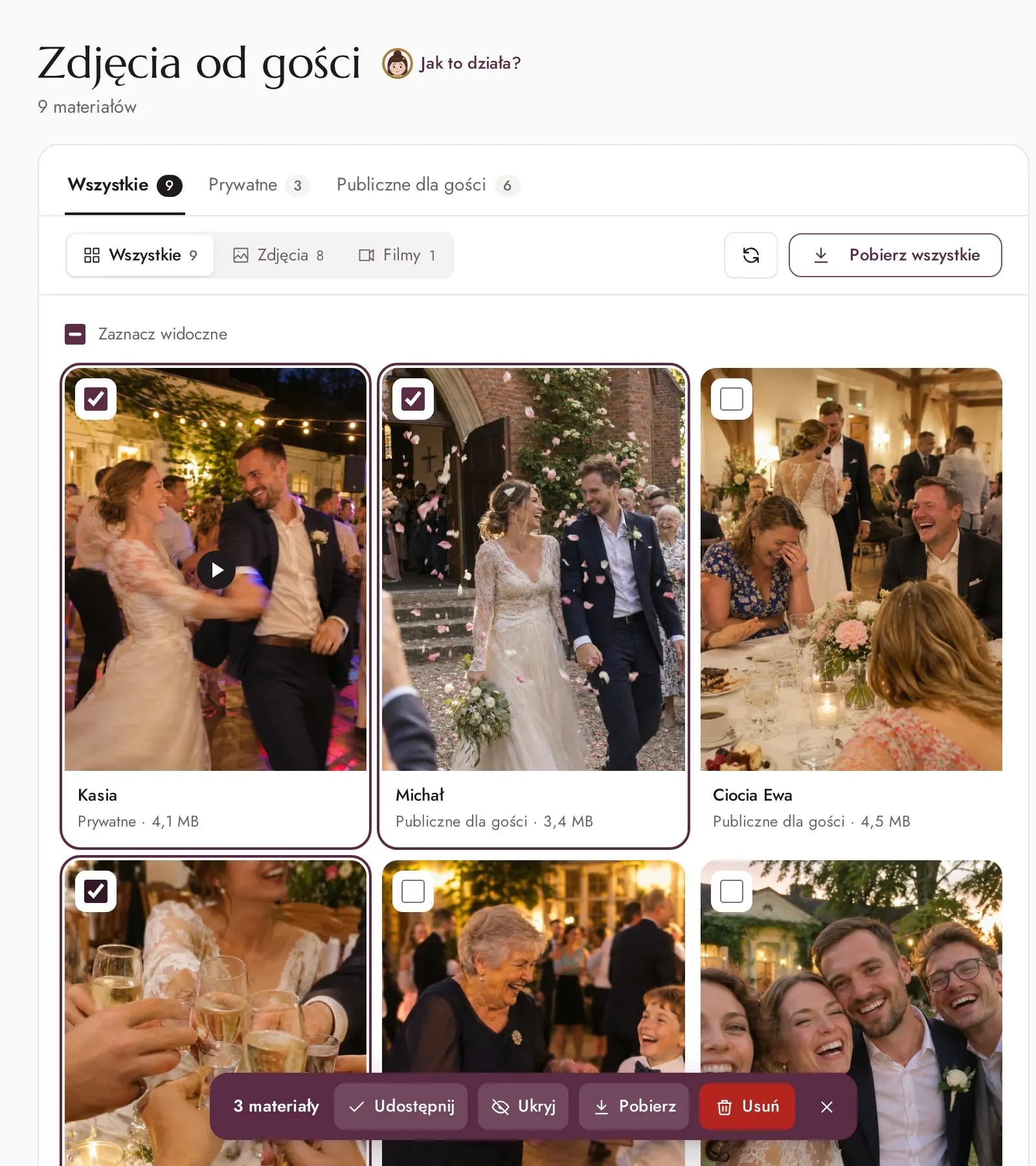
You decide what others see
Photos land in your album in the panel. Share the ones you pick with guests in the gallery on your website.
- Moderation or instant
- Who added each photo
- 04 / 04
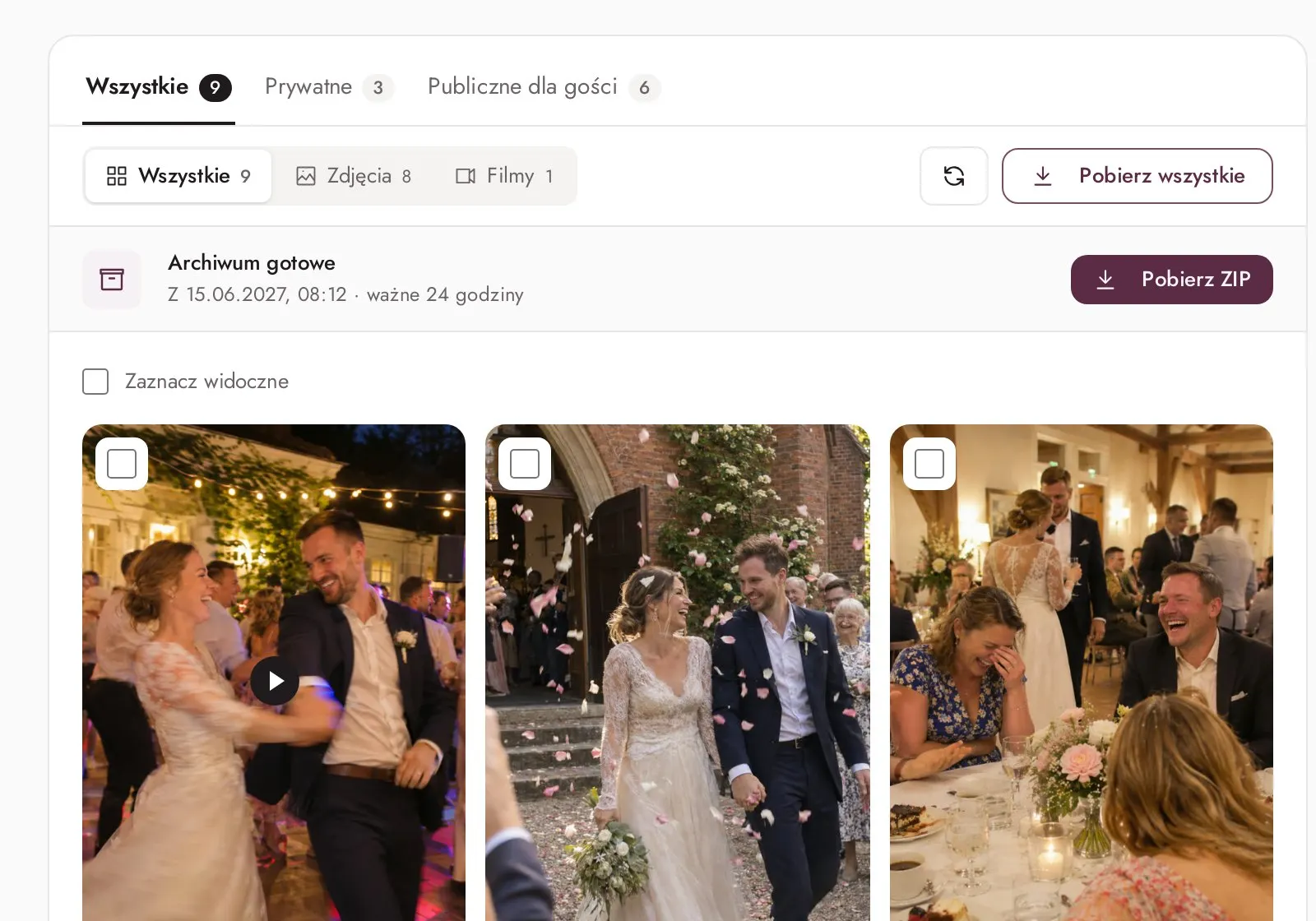
All the originals are yours
One click prepares a ZIP archive with the originals. It downloads by itself once it is ready.
- Full quality
- Big albums in parts
When guests can upload
The album opens by itself at midnight on the wedding day and closes after the last event. No need to think about it during the party.
- Your own dates or switch it on manually
- A test run before the wedding
- On a weak signal, the upload resumes where it stopped
Who sees the photos
At first, only you
New photos are seen in the panel by you and the people helping you with the wedding.
A gallery for guests
When you want, the photos appear for guests on your wedding website.
Moderation
Share only the photos you choose, or let new ones appear right away.
Guests have a choice
Everyone can delete the photos they added. The website password protects the album too.
Connected to the rest of the planner
How to get started
- 1Create your wedding
The account and the wedding website are free.
- 2Turn on the album
Print the QR cards for the tables.
- 3Download the originals
After the wedding, all photos in one ZIP file.
Frequently asked questions
Anything else? Write to us at [email protected].
The same theme as your website and invitations, with our logo in the middle of the QR code.
Create your weddingDo guests need to install an app?
No. They scan the QR code with their phone camera or open the link you send. They do not create an account and add a name only if they want to.
Is the guest photo album free?
You can create your wedding and website for free; the album comes with the paid packages: Premium (up to 300 photos, 3 GB) and Prestige (up to 5,000 photos and videos, 50 GB). Extra storage can be bought.
How do I make a QR code for wedding photos?
The code is created as soon as you turn on the album. Download it as an image or print table cards in your wedding theme, with the wesele.love logo in the middle of the code.
Can guests upload videos?
Yes, with the Prestige package (videos up to 1 GB and 10 minutes). Photos up to 50 MB, HEIC from iPhones included, up to 100 files at once.
When can guests upload photos?
The album opens by itself at midnight on the wedding day and closes after the last event, for example the day-after party. You can change the dates or switch collection on manually. Before the wedding, check everything in test mode.
How do I download all the photos?
"Download all" prepares a ZIP archive with the originals. It downloads by itself, and big albums are split into parts of about 2 GB.
How long will the photos be available?
Until your package access ends: 3 months after the wedding with Premium, 2 years with Prestige. You can extend access by a year, but it is best to download the originals right after the wedding.
Start planning
today